Add GIS Service URLs to the Allowlist
GIS service proxy URLs need to be added to the allowlist to ensure the map loads properly.
- From the home page, click Admin and click CORS Allowlist.
- On the CORS Allowlist panel, click Add GIS services to CORS allowlist.
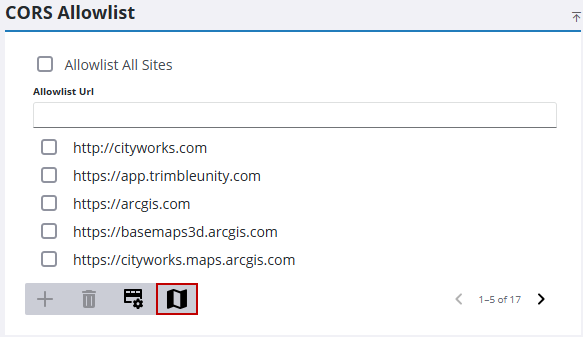
All the GIS services are checked for proxy URLs and they are added to the list.
 IMPORTANT: Not all URLs may be located using this feature, for example, if a URL is embedded. If a GIS resource is blocked, locate the URL using your browser’s developer tools and add it to the allowlist.

