Configure Automation on a Case Template
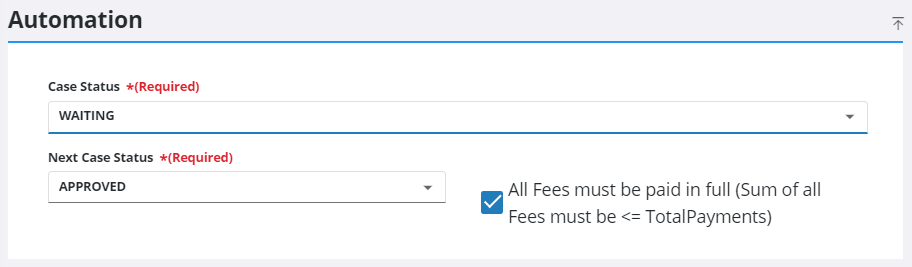
The Automation panel allows administrators to configure a case template so that cases automatically advance from one specified status to the next specified status when all fees have been paid in full.
|
PREREQUISITES:
|
- From the home page, click Permitting and click Case Templates.
 TIP: You can filter the list of records displayed. See Filter Records for more information.
- On the Case Templates panel, select a template.
- On the Automation panel, select a Case Status and a Next Case Status using the drop-down lists.
- Select the All Fees must be paid in full check box.
TIP: Leaving this check box cleared is a useful way to implement phased payments on a case template.
 NOTE: Changes are automatically saved and verified by a notification at the bottom of the page.

