Remove Checklist Status from a Checklist Status Group
A checklist status code may need to be removed.
|
|
 PREREQUISITES:
- From the home page, click Permitting and click Checklist Status Groups.
 TIP: You can filter the list of records displayed. See Filter Records for more information.
- On the Correction Status Group panel, select a group you'd like to remove a checklist status from.

- On the Correction Status Group Details panel, select the checklist status you want to remove and click Delete selected records.
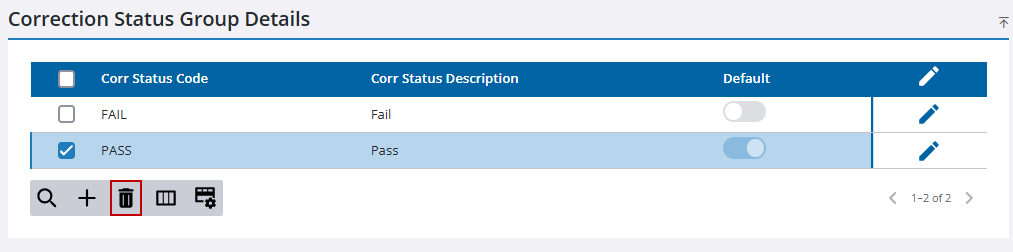
- Click Delete on the confirmation panel.

