Add a Contractor Employee
|
|
 PREREQUISITES:
 NOTE: Multiple records can be added or edited at the same time. See Perform a Bulk Export or Bulk Import for more information.
- From the home page, click Permitting and click Contractor Setup.
- Select a contractor on the Contractor panel.
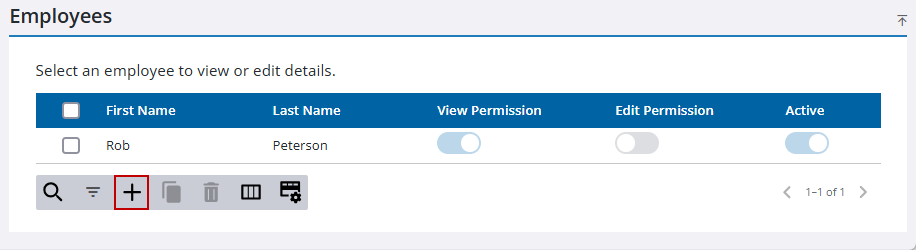
- On the Employees panel, click Add record.
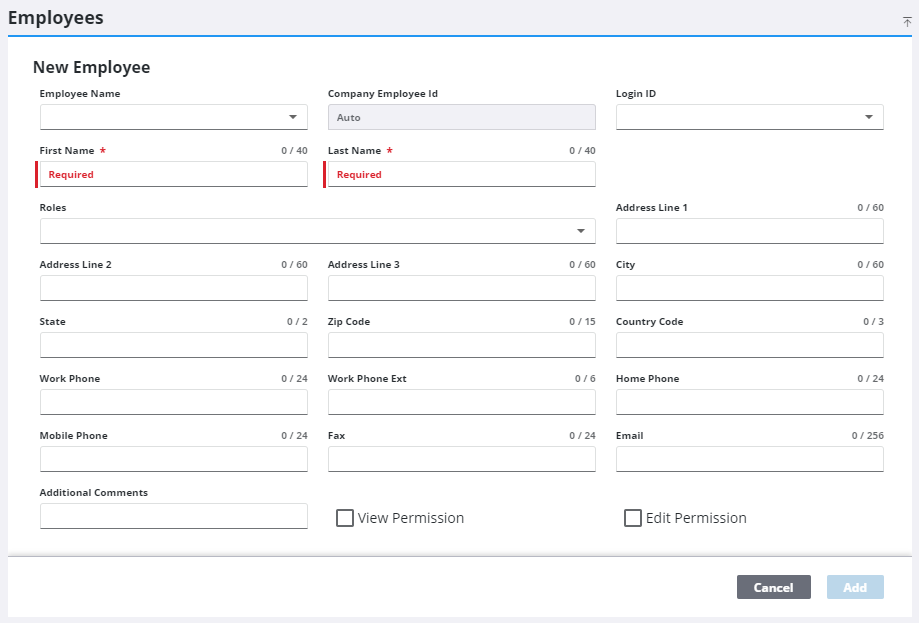
- In the New Employee section, enter a first name, last name, and any supporting information you want to include in the additional fields.
- Click Add.