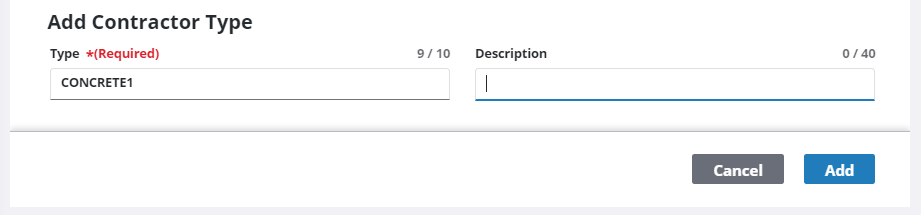
Add a Contractor Type
|
|
 PREREQUISITES:
- From the home page, click Permitting and click Contractor Setup.
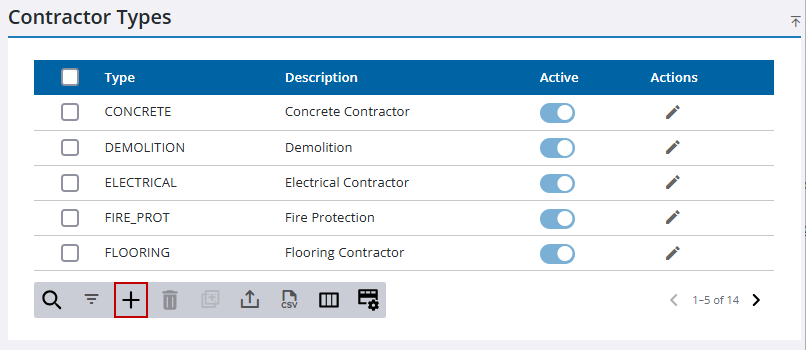
- Click the Contractor Types tab.
- On the Contractor Types panel, click Add record.
- Enter a Type and a Description in the Add Contractor Type section.
- Click Add.