Edit a Custom Form
|
|
 PREREQUISITES:
- From the home page, click Permitting and click Custom Form.
 TIP: You can filter the list of records displayed. See Filter Records or Filter Custom Forms for more information.
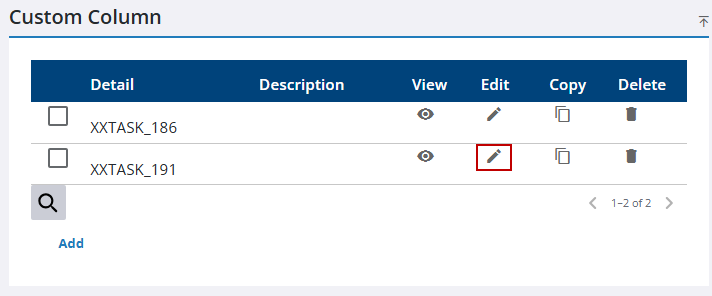
- Click Edit on the Custom Column panel.
- On the New/Edit Custom Configuration panel, make any changes as needed.
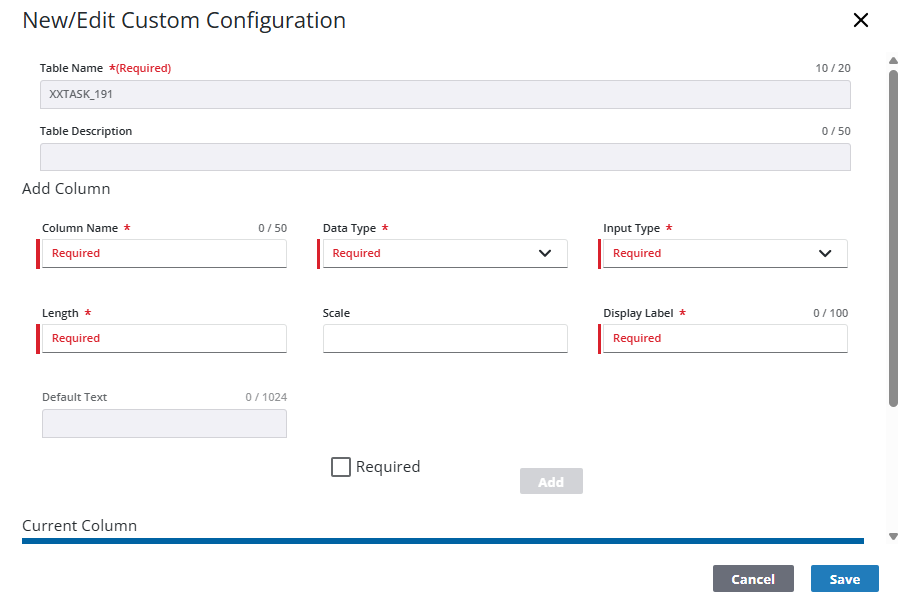
- Click Save.
To continue editing a custom column, follow these steps:
- Select it from the Custom Column panel.
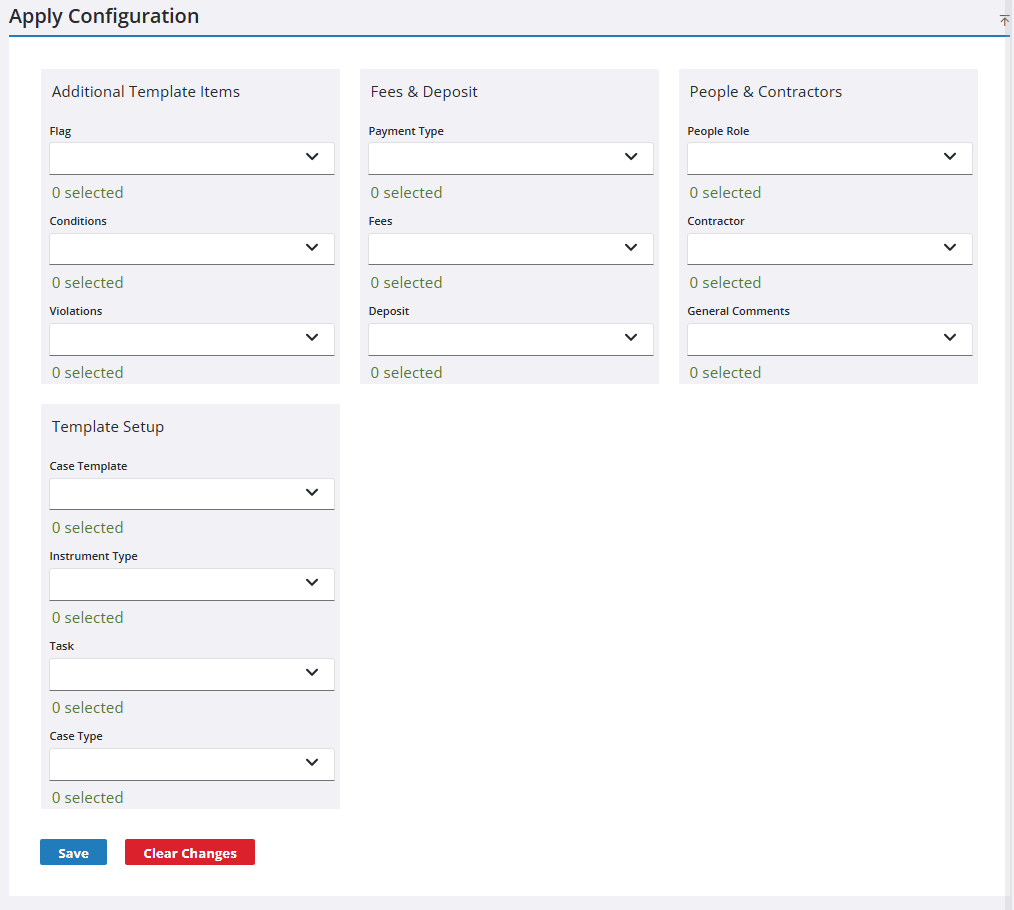
- On the Apply Configuration panel, use the drop-down lists to designate which template components the custom fields in the column displays on.
- Click Save.