View a Custom Form
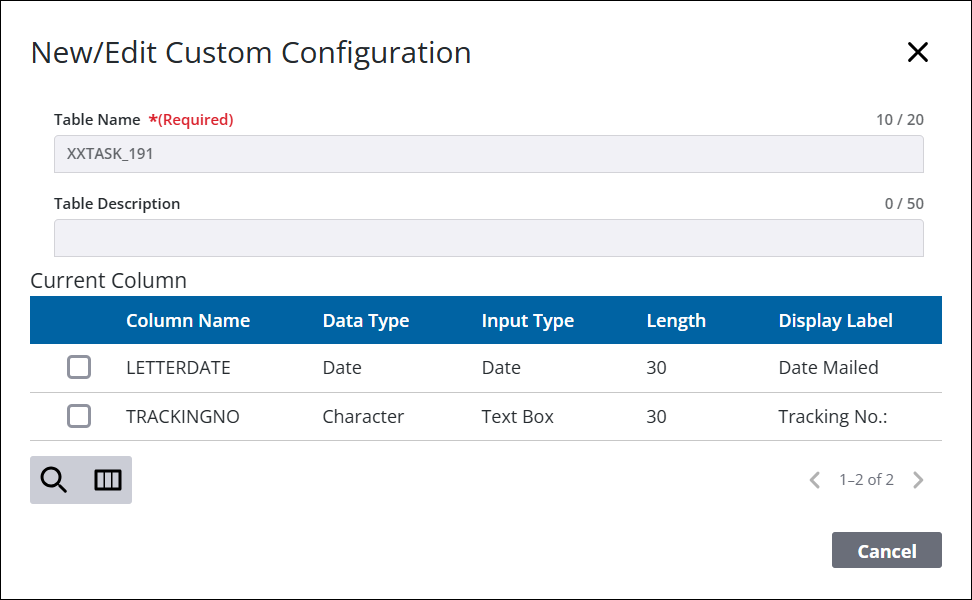
Selecting a custom form allows you to see more detailed information than is available on the main Custom Column panel.
|
|
 PREREQUISITES:
- From the home page, click Permitting and click Custom Form.
 TIP: You can filter the list of records displayed. See Filter Records or Filter Custom Forms for more information.
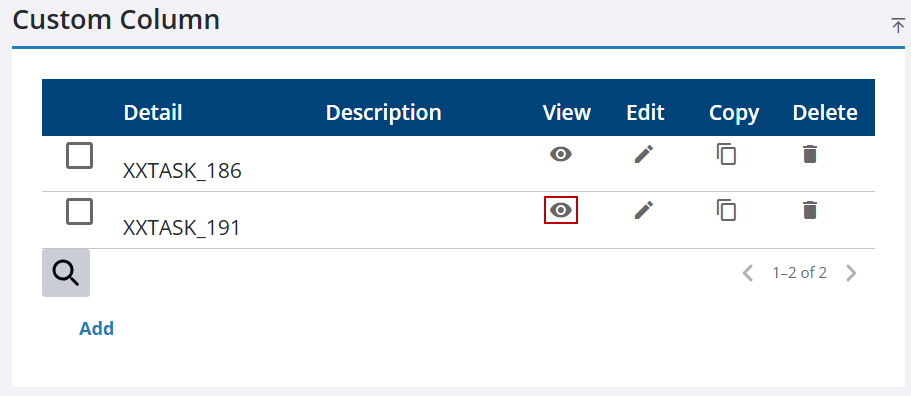
- In the Custom Column panel, click View for the desired item.
The New/Edit Custom Configuration panel will display.