Test Email Settings
You can send a test email to ensure that your email configuration works.
- From the home page, click Admin and click Preferences.
- Click the Maintain tab.
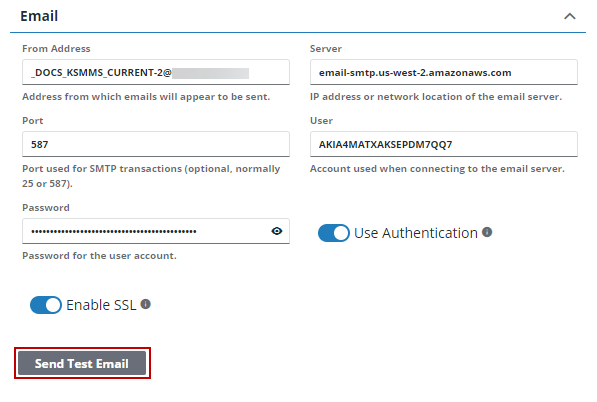
- Expand the Email section on the Domain panel.
- Click Send Test Email.
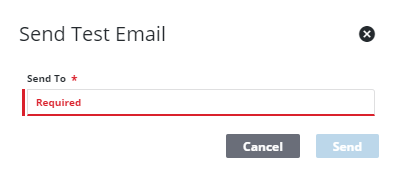
- Enter the address that you want to send the email to in the Send To field.
- Click Send.
If there is a problem with your settings, an error message appears.

