Assign Workload to an Employee
The Workload tab is used to schedule hours and days off for an employee. When a scheduler is assigning work, these working hours and days off will be taken into account, like in Trimble Unity Workload.
- From the home page, click Admin and click Employees.
- Click the Workload tab on the Details panel of an employee.
- Select the day from the Add Workload field.
- Select the start time and end time for that day using the clock icons in the From and To fields.
- Click Add.
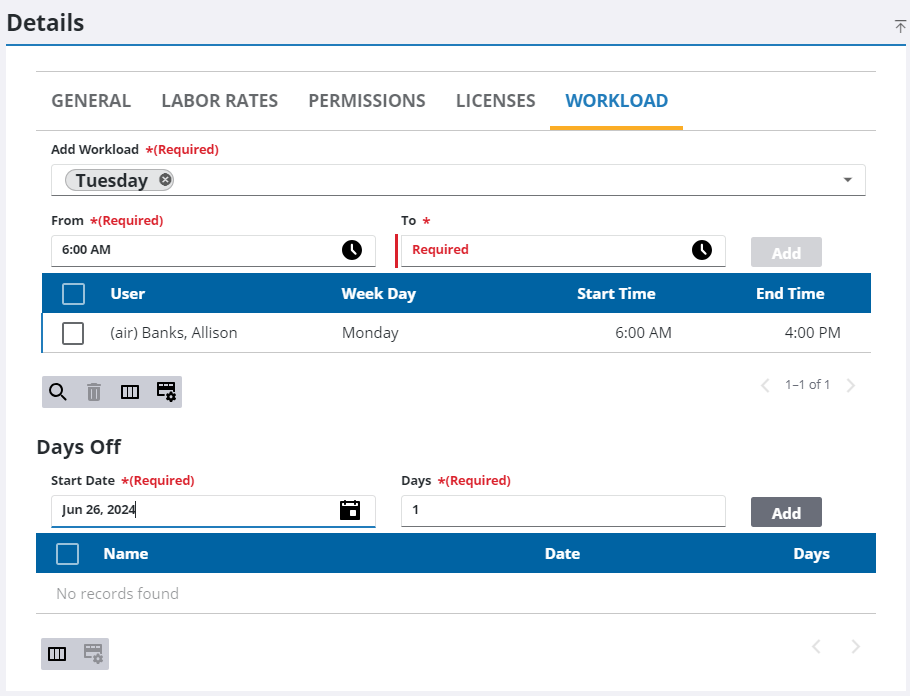
Days Off can be defined when an employee takes a vacation or has a day off planned.
- In the Days Off section, select the Start Date and the number of Days the employee will be gone.
- Click Add.
- To remove an entry, select it and click Delete selected record.

