Clone a Fee
You can create a fee based on an existing one by cloning the desired fee, then editing the new fee to make it unique.
- From the home page, click Permitting and click Fee Setup.
 TIP: You can filter the list of records displayed. See Filter Records for more information.
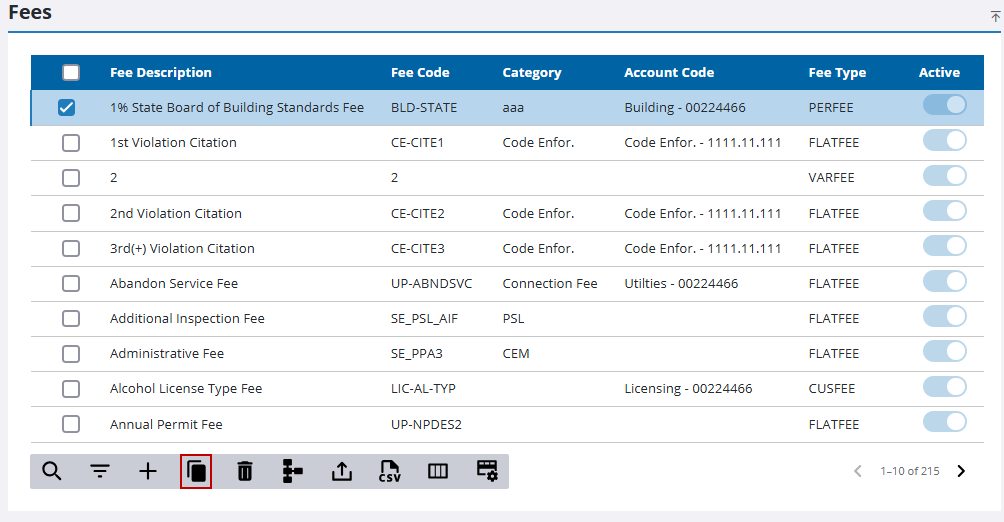
- On the Fees panel, select the fee you want to clone and click Clone selected items.
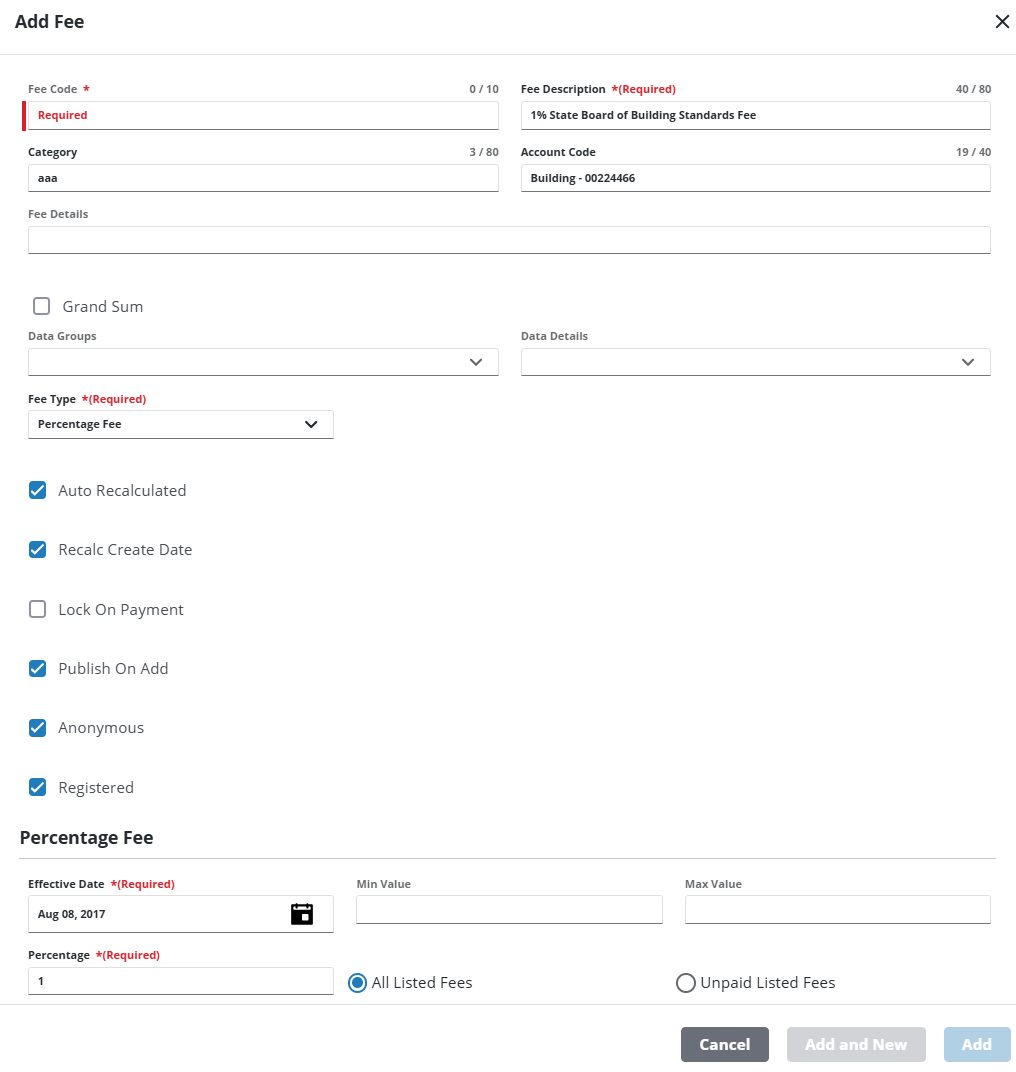
- Enter the Fee Code and Fee Description for the new fee and make any changes as desired.
- Click Add.