Remove a Validation Event
- From the home page, click Configure and click Field Validation.
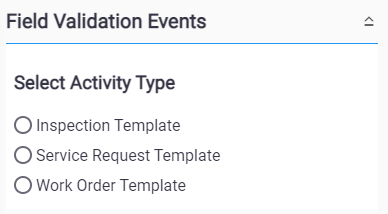
- Select either Inspection Template, Service Request Template, or Work Order Template.
- Select a Template that has existing events.
 TIP: You can filter the list of records displayed. See Filter Records for more information.
- Select the event(s) and click Delete selected records.


