Remove a Template Map Logic Condition
Existing template map logic conditions may be removed.
|
|
 PREREQUISITES:
- From the home page, click Permitting and click Template Map Logic.
 TIP: You can filter the list of records displayed. See Filter Records for more information.
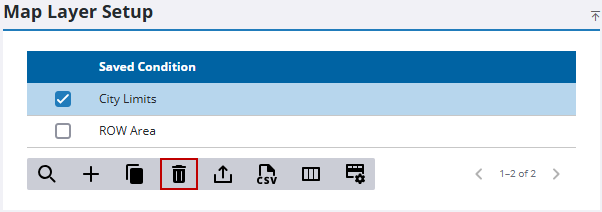
- On the Map Layer Setup panel, select the condition you want to remove and click Delete selected records.
- On the Delete Template Map Logic panel, click Delete.

