Configure Admin Units
The hierarchy of the road network needs to be set up to define the responsible organizations of the network. The survey results will then roll up to the above administrative unit to give a total score of the network at each level defined. For example, if a survey was done at a county level, the results can be rolled up to the district or state level.
- Click the Admin Units tab.
- Click Add record.
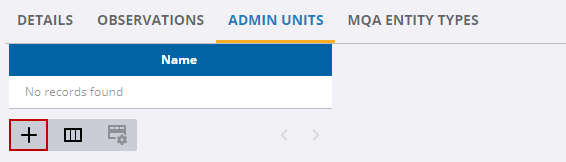
- Enter the Name and select the Survey Entity Id.
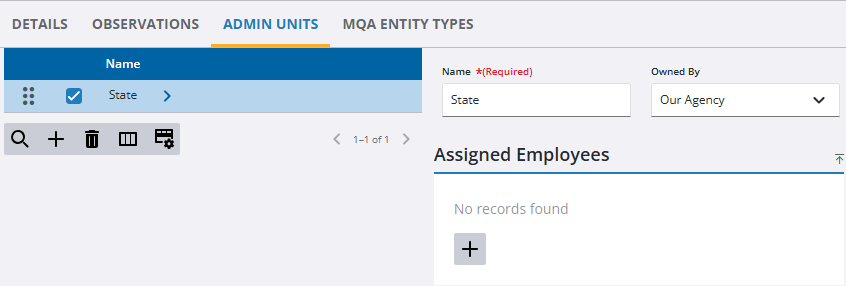
- Click Add record in the Assigned Employees panel to associate an employee with the selected admin unit.
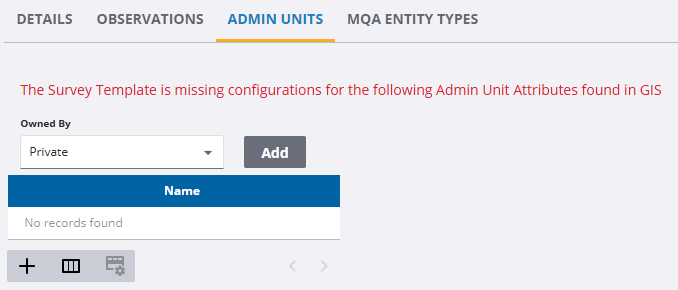
A warning appears if there are any admin units that must be defined from GIS data on the template.
- Select a field from the drop-down list and click Add to quickly add a new Admin Unit.
You can drag and drop each unit to define the hierarchy.
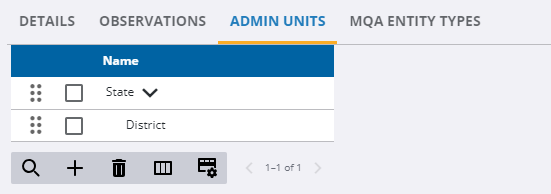
- Select a unit and click Delete selected records to remove a unit.

