Add Attachments to a Material
 NOTE: Changes have been made to how attachments are stored. The storage location for attachments is S3.
- Select the material from the Material panel.
 TIP: You can filter the list of records displayed. See Filter Records for more information.
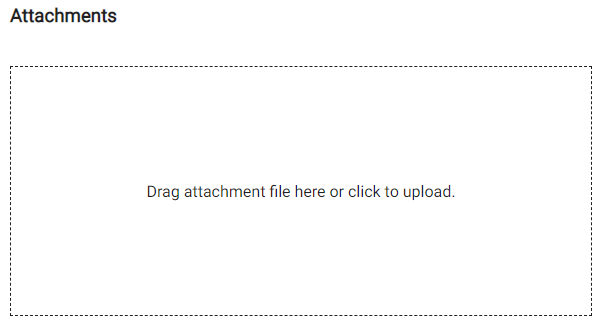
The Attachments section is used to add attachments for the material, such as a MSDS (Material Safety Data Sheet) or informational file.
- Click the box under Attachments to browse to the file or drag a file and drop it where it says Drag attachment file here or click to upload.