Remove a Notification Field
While it is possible to remove a notification field, users are encouraged to make it inactive to preserve all associated historical data and maintain data integrity. Removing a notification field must be done carefully or could cause certain notification types to send incomplete notifications.
|
|
 PREREQUISITES:
- From the home page, click Permitting or Configure and click Notification Fields.
 TIP: You can filter the list of records displayed. See Filter Records for more information.
- Select the record you want to make inactive on the Notification Fields panel.
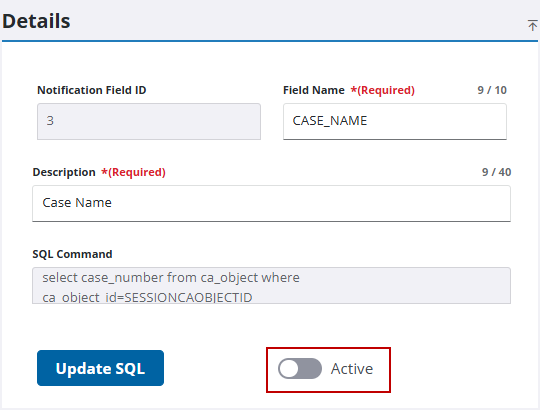
- Turn off Active in the Details panel to make the notification field unavailable to users.
If no historical data is associated with the record, you can remove it.
 IMPORTANT: Before deleting a notification field, we strongly recommend you make sure any notification types referencing the notification field are deleted or rewritten to reference other fields. Any notification types referencing a notification field that has been deleted will be incomplete.
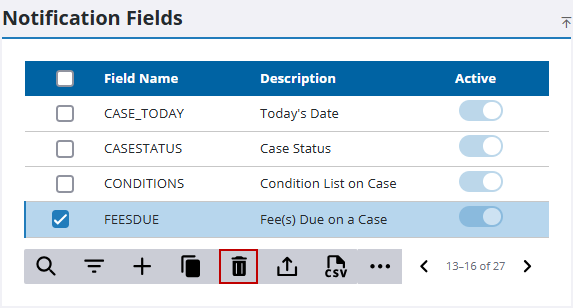
- Select the record you want to remove on the Notification Fields panel and click Delete selected records.
- Click Delete on the confirmation panel.

