Edit a Numbering Group
Existing numbering groups may be updated or changed at any time.
|
|
 PREREQUISITES:
- From the home page, click Permitting and click Numbering Groups.
 TIP: You can filter the list of records displayed. See Filter Records for more information.
- On the Numbering Groups panel, select the numbering group you want to edit.
 NOTE: Multiple records can be added or edited at the same time. See Perform a Bulk Export or Bulk Import for more information.
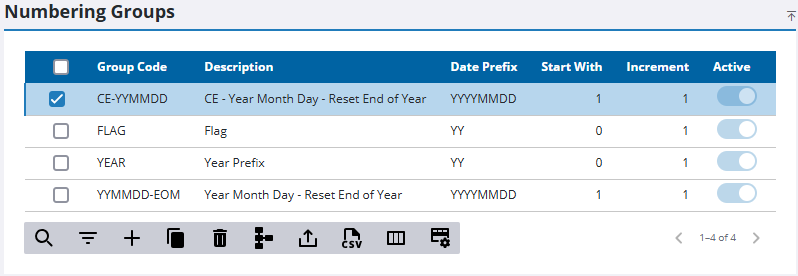
NOTE: Multiple groups can't be edited at once if some are active and some are inactive.
The numbering group automatically loads in the Numbering Group Details panel.
- Make any changes to the record on the Numbering Group Details panel.
- Click Save.


