Edit a Project
Existing projects may be updated or changed at any time without having to create entirely new projects to replace them. The following steps will walk you through the process of editing an existing project.
|
|
 PREREQUISITES:
- From the home page, click Permitting and click Permitting Projects.
 TIP: You can filter the list of records displayed. See Filter Records for more information.
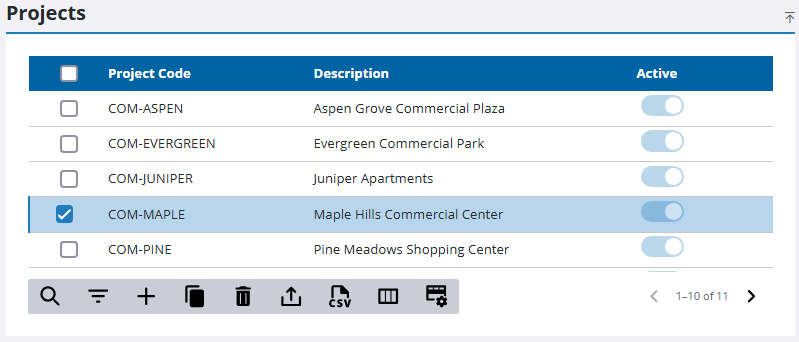
- Select the project you want to edit.
 NOTE: Multiple records can be added or edited at the same time. See Perform a Bulk Export or Bulk Import for more information.
- On the Details panel, make any changes needed.
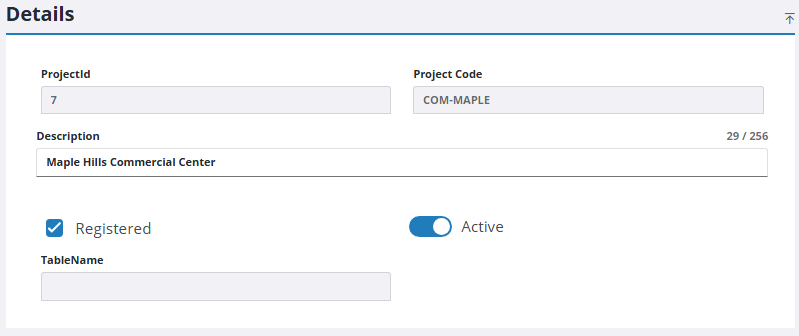
NOTE: Your changes are automatically saved, and the changes are verified by a notification at the bottom of the page.

