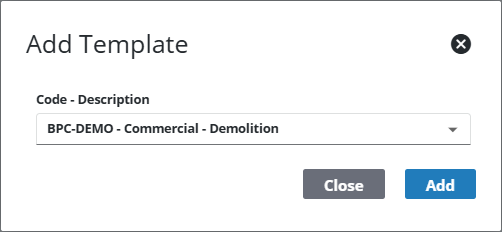
Add a Template to a Category
This section discusses how to add templates to a template category.
|
|
 PREREQUISITES:
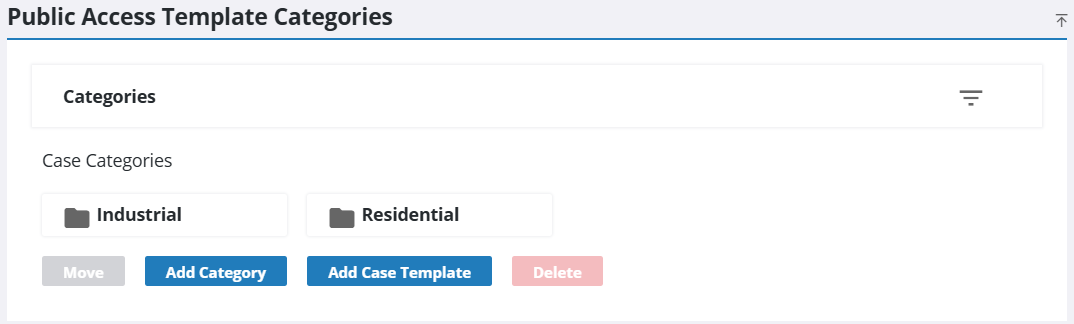
- From the home page, click Permitting and click Public Access Template Category.
- On the Public Access Template Categories panel, select the category you want to add to the template and then click Add Case Template.
- Select the template you want to add, or use the search bar to find it.
- Click Add.