Edit a Report Description
|
|
 PREREQUISITES:
- From the home page, click Configure and click Report Manager.
 TIP: You can filter the list of records displayed. See Filter Records for more information.
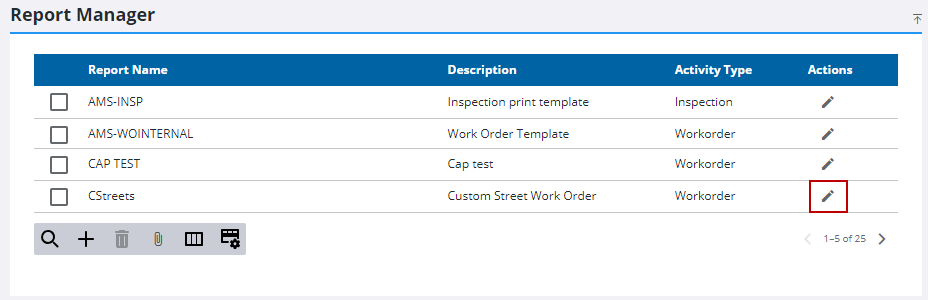
- On the Report Manager panel, click Edit next to the report name you want to edit.
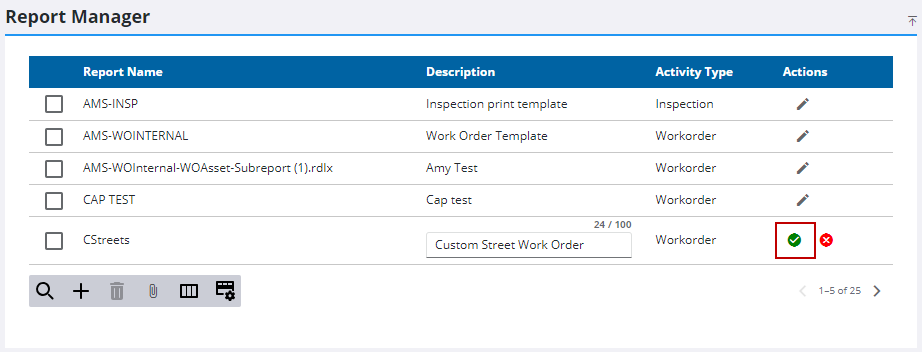
- Update the report Description as desired.
- Click Save.