Add a Record
Records can be added to a table.
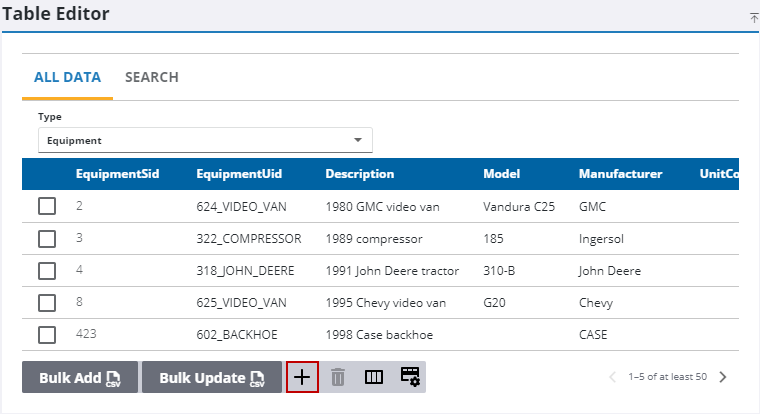
- Select what you want to add records to from the Type drop-down list.
- Click Add record.
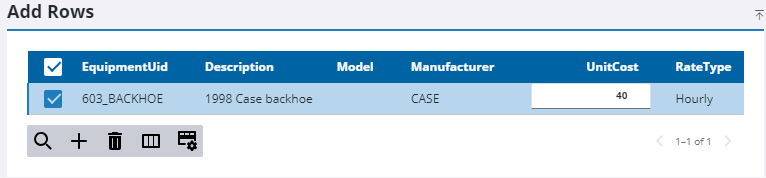
- In the Add Rows panel, click Add record to add more rows to the panel depending on how many records you want to add.
- Double-click each field to populate it for the new record.
- Click Save in the upper-right toolbar to add the new records to the table.

