Remove a Task Result Set
A task result set may need to be removed.
- On the Task Result Sets panel, select the task result set you want to deactivate.
 TIP: You can filter the list of records displayed. See Filter Records for more information.
- On the Task Result Set Details panel, turn off Active.
- Click Save.
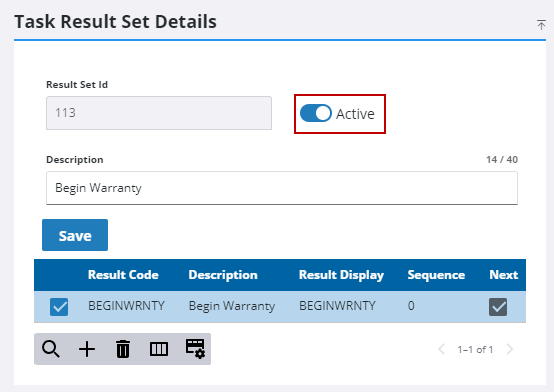
If no historical data is associated with the result, remove it from the Task Result Sets panel as follows:
- On the Task Results Sets panel, select the result you want to remove and click Delete selected records.
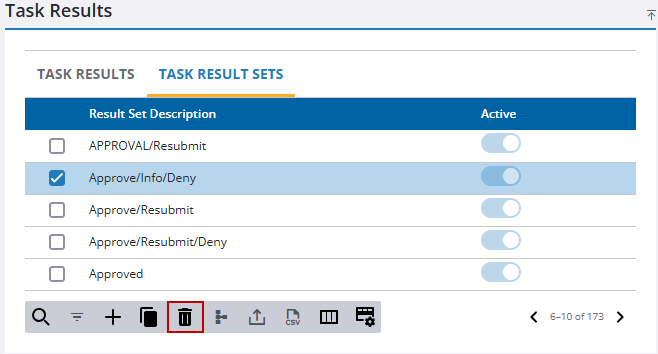
- Click Delete on the confirmation panel.

