Edit a Permit Task
You can edit permit tasks for individual or multiple tasks.
 Individual Permit Tasks
- From the home page, click Permitting and click Task Setup.
 TIP: You can filter the list of records displayed. See Filter Records for more information.
- Select the task you want to edit.
|
|
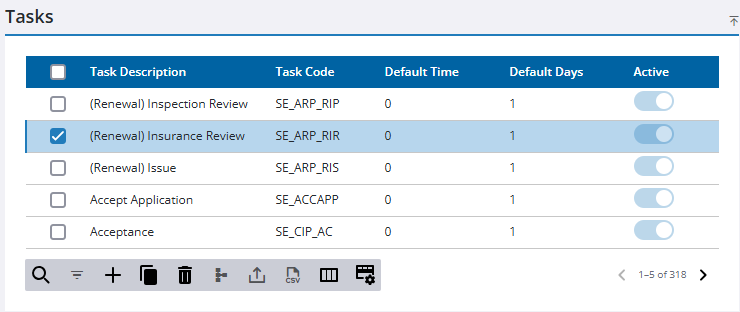
The task automatically loads in the Details panel.
- Make any changes you want to the record on the Details panel.
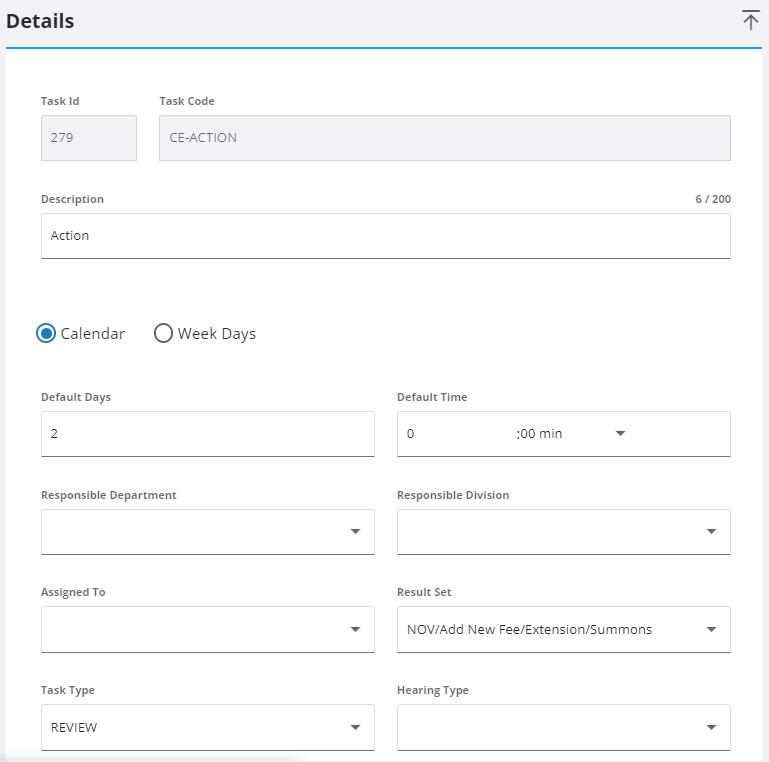
 NOTE: Your changes are automatically saved, and the changes are verified by a notification at the bottom of the page.
Multiple Permit Tasks
- From the home page, click Permitting and click Task Setup.
TIP: You can filter the list of records displayed. See Filter Records for more information.
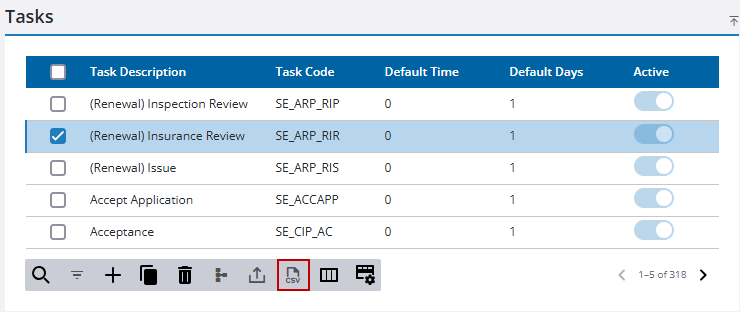
- To execute bulk edits, select one or more tasks you want to edit and click Export CSV.
- Open the CSV file and make any necessary edits.
|
|
 IMPORTANT:
 - Save the CSV file.
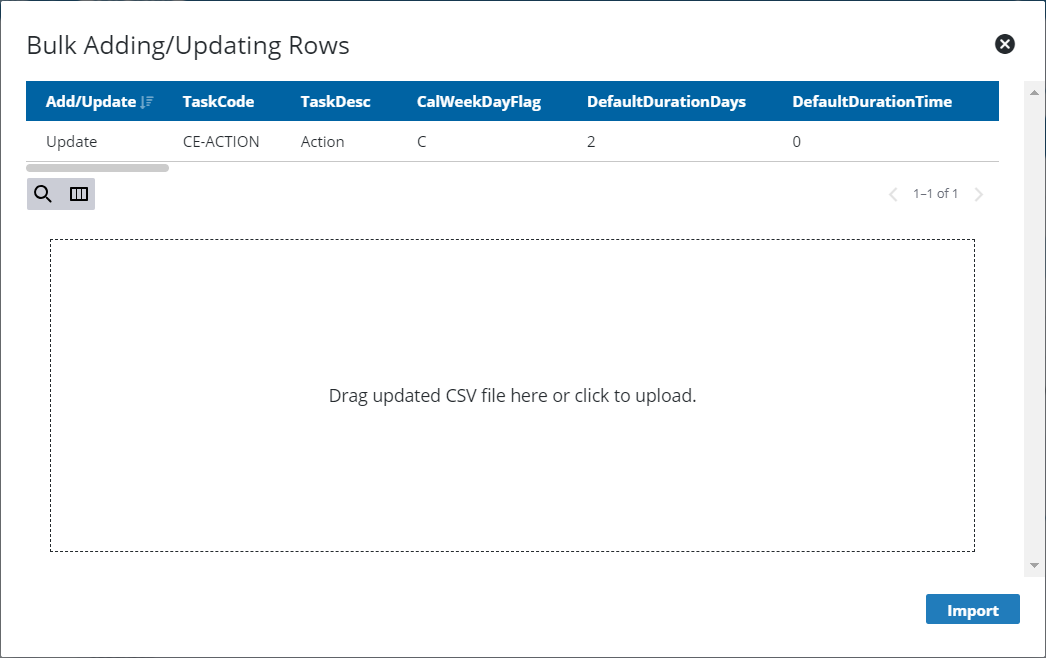
- Click Import CSV.
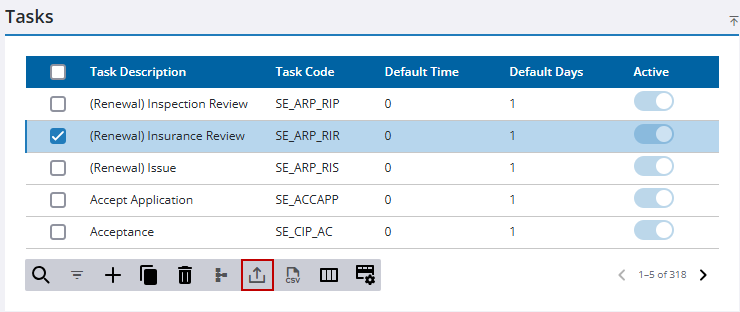
- Drag the edited CSV file to the upload field or click the upload field to browse and select the file.
- Click Import.
- To confirm your changes are in place within the system, click Export CSV to download the updated file, open it, and review it.

