Remove a Permit Task
You can remove a permit task.
 IMPORTANT: Trimble strongly recommends that you do not remove a task if it has been used on a case template because it deletes the link in the database and leaves orphaned task data.
- From the home page, click Permitting and click Task Setup.
 TIP: You can filter the list of records displayed. See Filter Records for more information.
- Select the appropriate task on the Tasks panel.
- On the Details panel, turn off Active. This allows you to deactivate the task so it cannot be added to a case template, but it can still be used as a search parameter and is still listed with historical data.
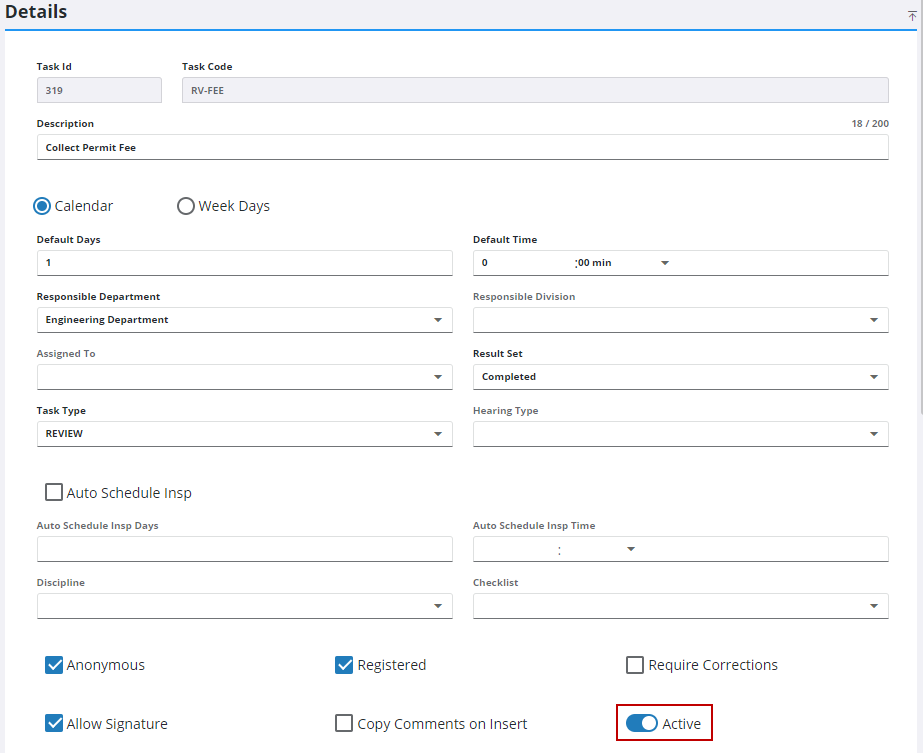
If no historical data is associated with the template, remove it from the Tasks panel.
- Select the desired task and click Delete selected records.
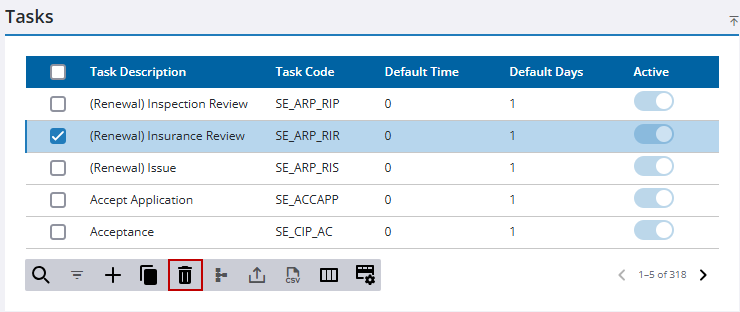
- Click Delete on the confirmation panel.

