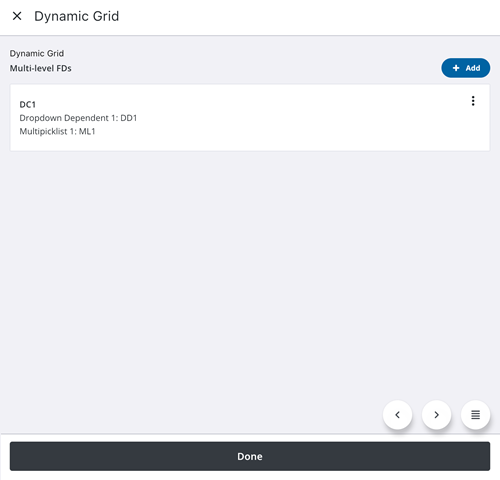
Add Dynamic Grid Items
Dynamic grids organize the data input for processes. When you start a process containing a dynamic grid, you will be able to enter data into the fields.
Trimble Unity Field supports multiple-level deep field dependencies within dynamic grids to significantly improve the flexibility and functionality of field workflows. This allows you to fully leverage dynamic grids to meet your operational needs. You can use this feature to manage and process data in a manner that provides a seamless dynamic grid workflow with Trimble Unity Construct.
Depending on how they are set up, each process or workflow may include different fields like text fields, date fields, drop-down lists, option buttons and check boxes.
 IMPORTANT: You will need to complete all required fields before you can submit the work activity.
 Add Dynamic Grid Field Items
- Create or open a work activity.
- Open the Dynamic Grid section.
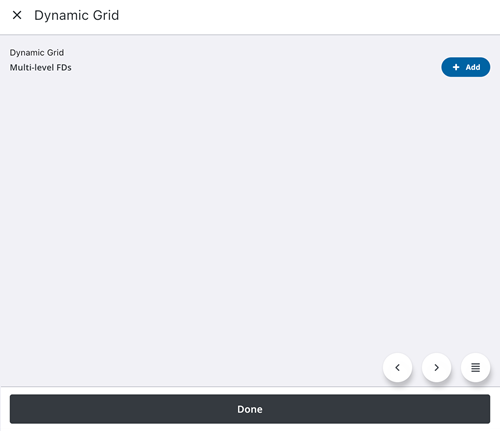
- Tap Add.
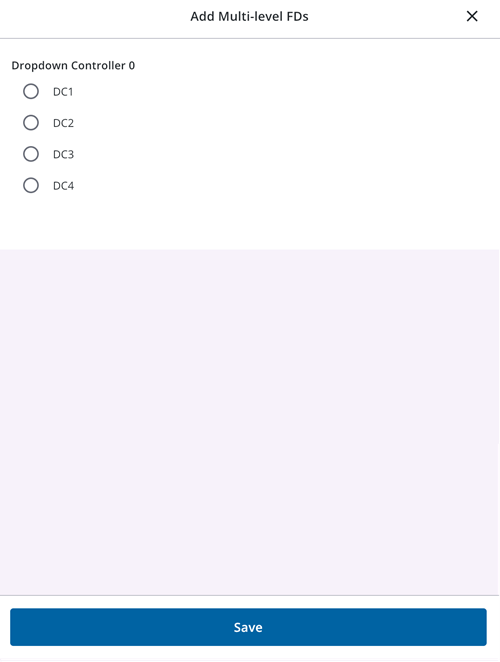
- Fill out the fields in the Add pop up window. The types of fields defined here are based on how the field dependencies are set up for the process in Trimble Unity Construct. Based on the configuration, when you select an option in one field, the dependent field will display further options for selection.
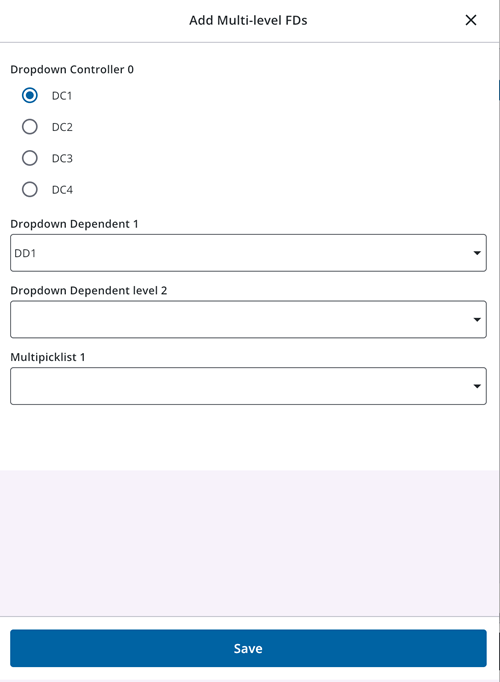
- Tap Save.