More Actions Menu
You can access web maps, offline map areas, base maps, and legend options using the More Actions icon.
- On the map, tap the More Actions icon.

The More Actions menu appears.
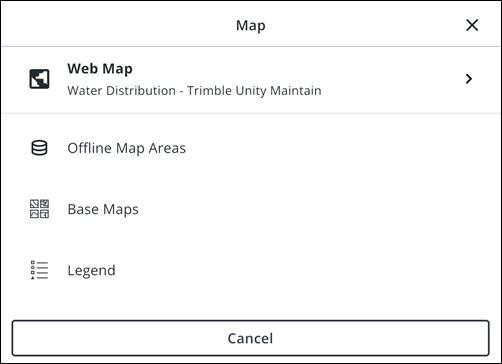
- Web Map: Tap to view and switch between the default web map and any other web maps assigned to your user role.
- Offline Map Areas: Tap to view and download offline map areas.
- Base Maps: Tap to view and edit base maps using the Base Maps Selection Tool.
- Legend: Tap to view the map legend.
- Cancel: Tap to exit the menu.

