Search for a Location
If you are using ArcGIS Indoors and Trimble Unity, the Floor Filter map tool can be used to search for and switch between any buildings defined on your map.
- Open the map.
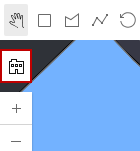
- Click Floor Filter on the map.
- Click Browse and type in the Search field to find a building or facility.
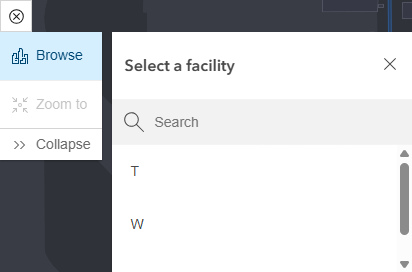
- Select an item from the results to switch to the needed building or facility and view the floors within.
- Click Stop to disable floor filtering. Click Start to re-enable floor filtering.