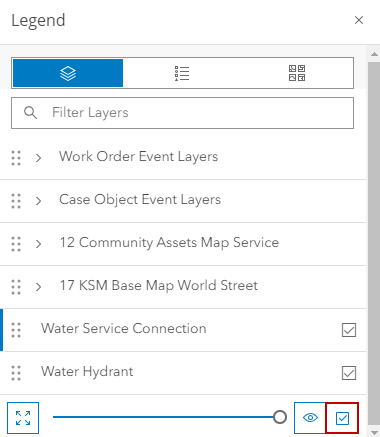
Clear All Selectable Layers
If multiple layers are made selectable, they can be cleared at the same time.
|
|
 PREREQUISITES:
- Click Legend in the map toolbar.
- Click Content.
- Click Clear Selectable Layers at the bottom of the Legend panel.