Configure Employee Relates
Employee relates must be configured for employees who use Pavement. See Employee Relates in the Admin Guide for Trimble Unity Maintain and Trimble Unity Permit for more information.
- Open Admin.
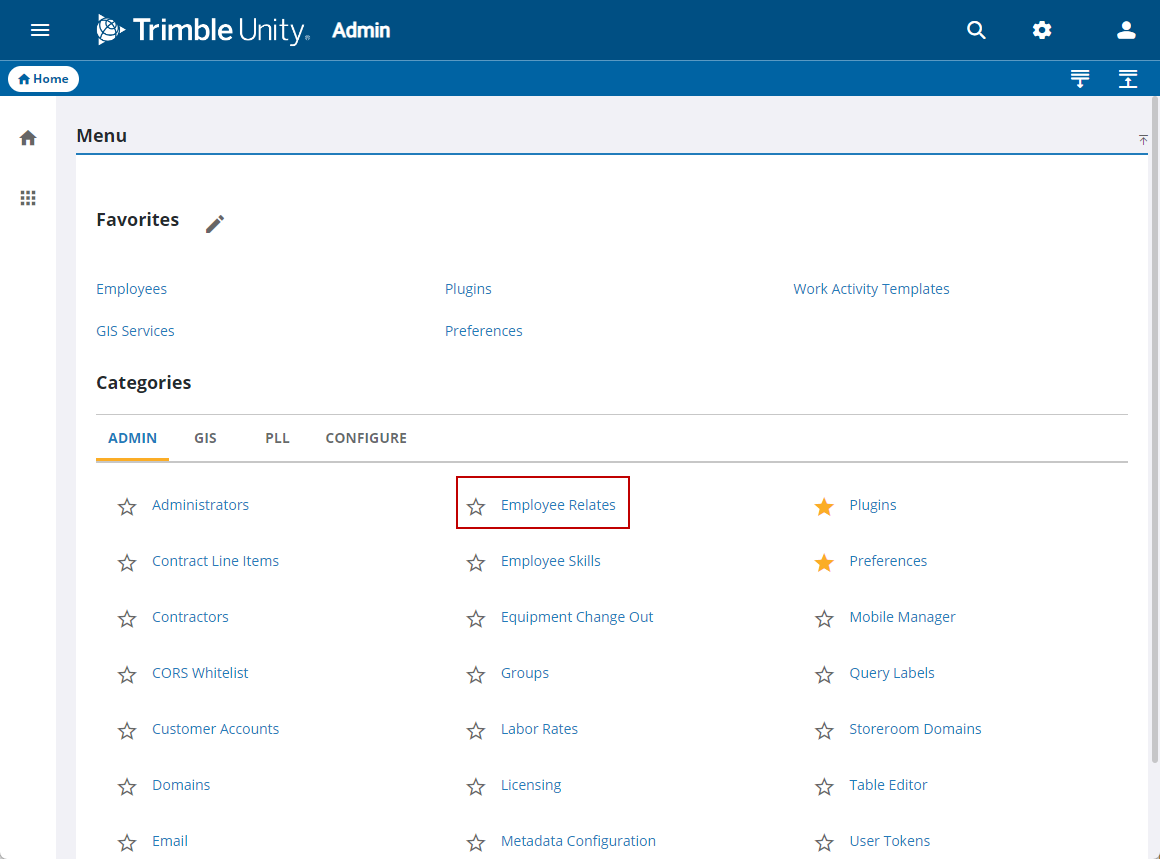
- From the home page, click Admin and click Employee Relates.
- Select Street from the Module drop-down list.
- Select the organization's tables from the Tables drop-down list.
- Select the table fields in Fields.
- Assign employees to the tables by clicking Add in the Assigned Users panel.