View and Edit Attributes
Information regarding an asset can be found and edited in the attributes panel. Edits to asset attributes made in the attributes panel are applied to the geodatabase.
 TIP: Make sure that the layer you're editing is visible in the Legend so you can view the assets on the map. See Make a Layer Visible for more information.
- Click Editor in the map toolbar.
- Click Start.
- Click one of the selection options under Edit features.
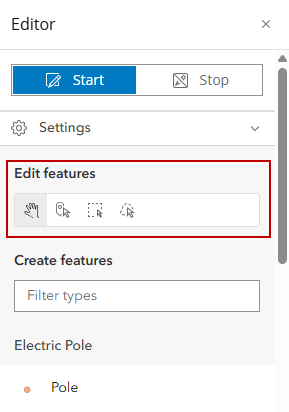
- Select a feature on the map.
The attribute panel opens.
- Edit the asset attributes as desired.
- Scroll to the bottom of the attribute panel and click Update.
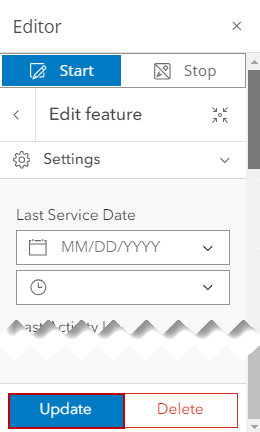
The feature's attributes have been updated with any edits made.