Configure Email Templates
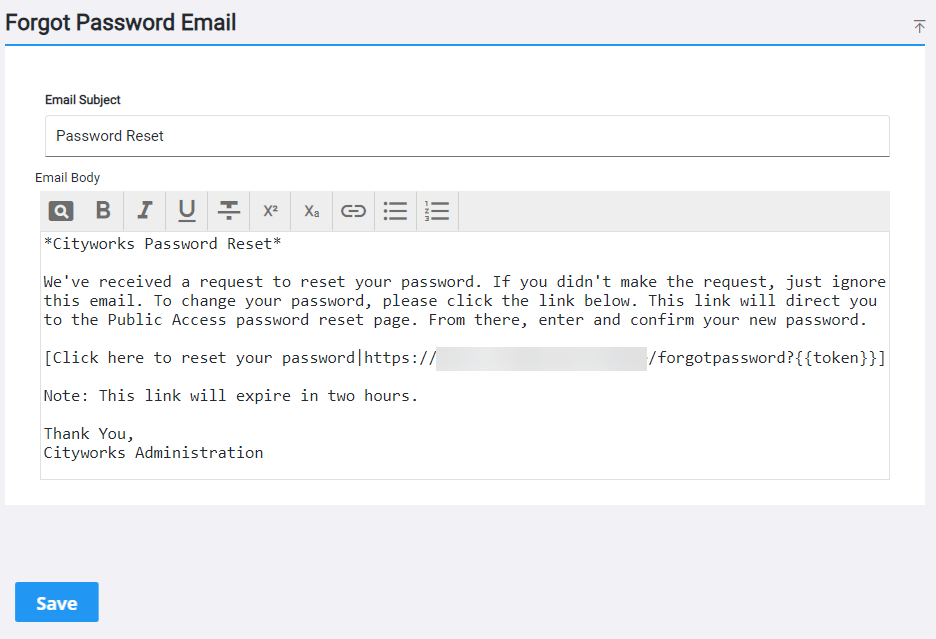
The default email templates that are built into Public Access for user registration and password reset can be customized. The appropriate email is sent automatically when a new user requests registration or an existing user requests a password reset.
|
|
 PREREQUISITES:
- On the side menu, click Admin.
- Click the Email tab.
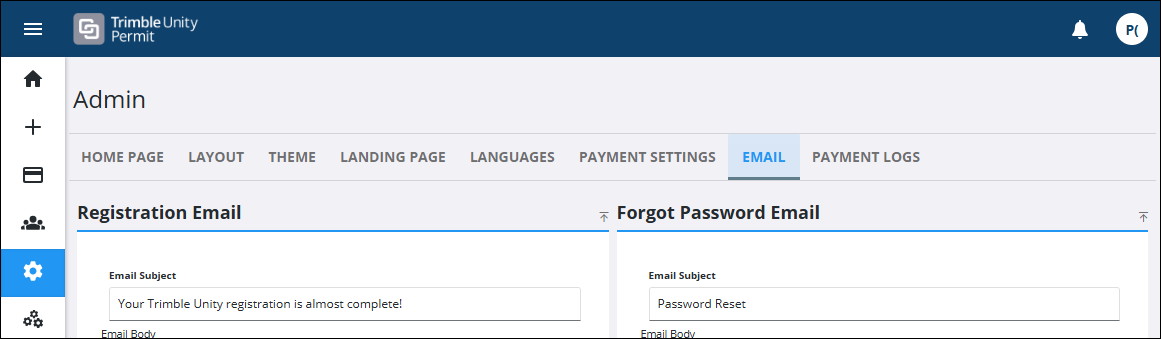
 Edit the Registration Email Template
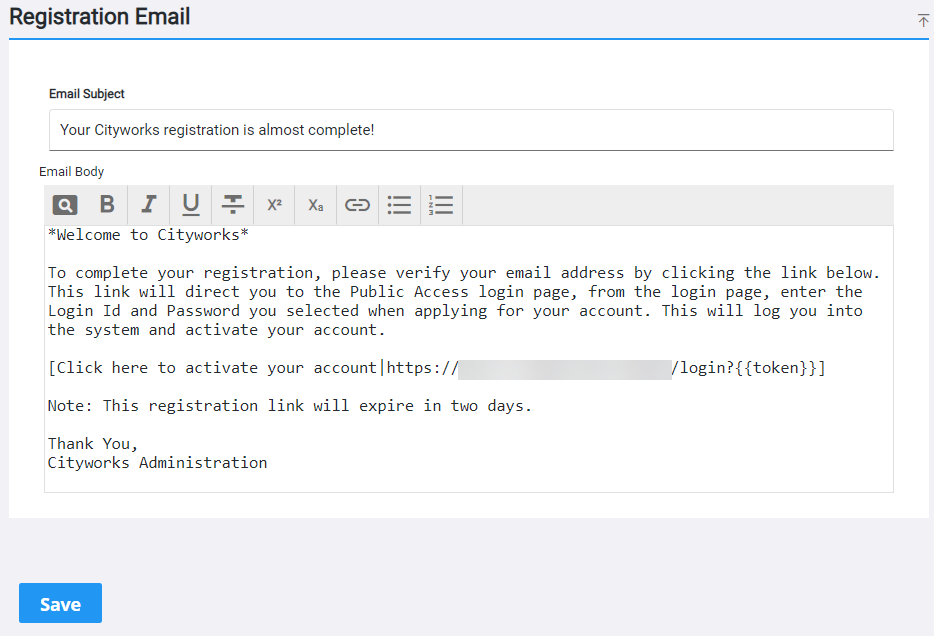
- On the Registration Email panel, update the Email Subject and Email Body fields as desired.
 IMPORTANT: Do not delete or alter the default code within the curly brackets: {{...}}. Also, you need to update the default URL to reflect your own Public Access site URL.
- Click Save.
Edit the Forgot Password Email Template
- On the Registration Email panel, update the Email Subject and Email Body fields as desired.
IMPORTANT: Do not delete or alter the default code within the curly brackets: {{...}}. Also, you need to update the default URL to reflect your own Public Access site URL.
- Click Save.