Configure Languages
The default language for Public Access is English (US). Translation packs can be uploaded to convert a Public Access site to a different language.
If you are using reCAPTCHA, you can translate the text and links that are shown on the login and guest access registration pages. You should not customize or remove parts of the text as it likely violates the reCAPTCHA licensing.
|
|
 PREREQUISITES:
 IMPORTANT: Public Access detects the language preference settings of the user's browser, and automatically applies the translation pack that matches the user's language preference, if the pack is available.
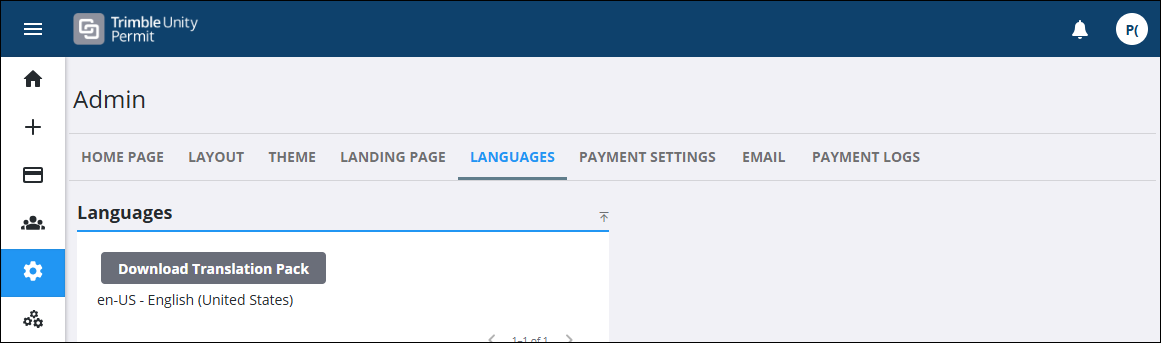
- On the side menu, click Admin.
- Click the Languages tab.
 Create a Translation Pack
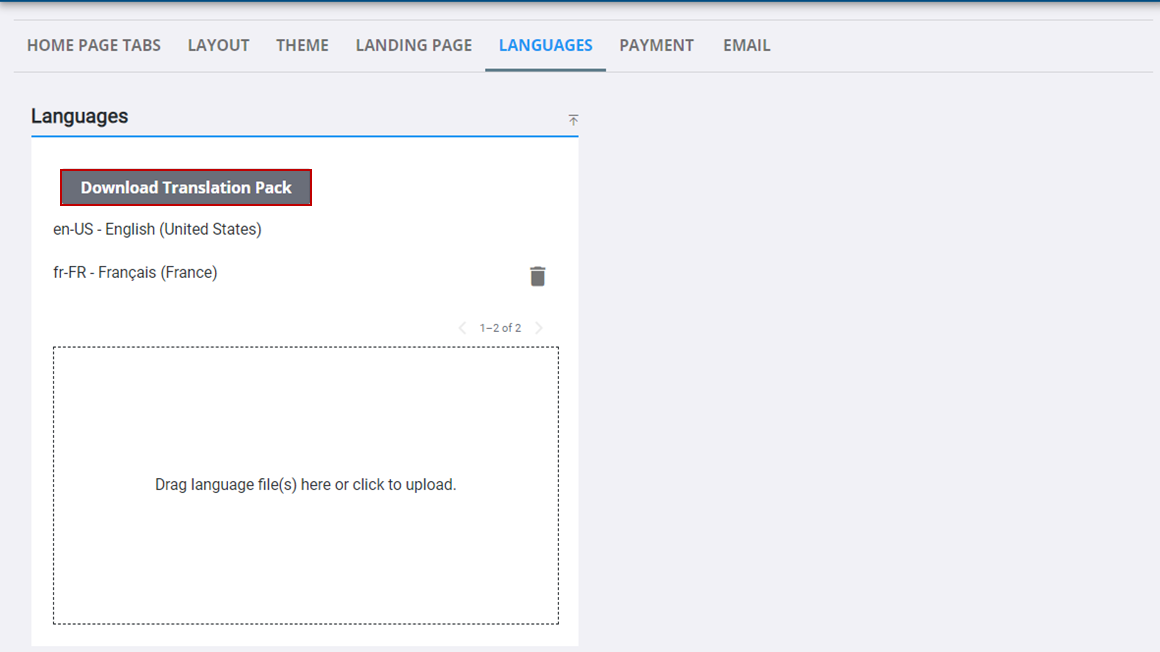
- On the Languages panel, click Download Translation Pack.
- Once the translation pack is downloaded, extract the files and edit the language-config.json file and the .ftl files per the desired language translation.
- Once finished translating, create a new zip file containing the edited files to upload.
Upload a Translation Pack
- Click the box at the bottom of the Languages panel to browse to the zip file or drag the zip file and drop it where it says Drag language file(s) here or click to upload.
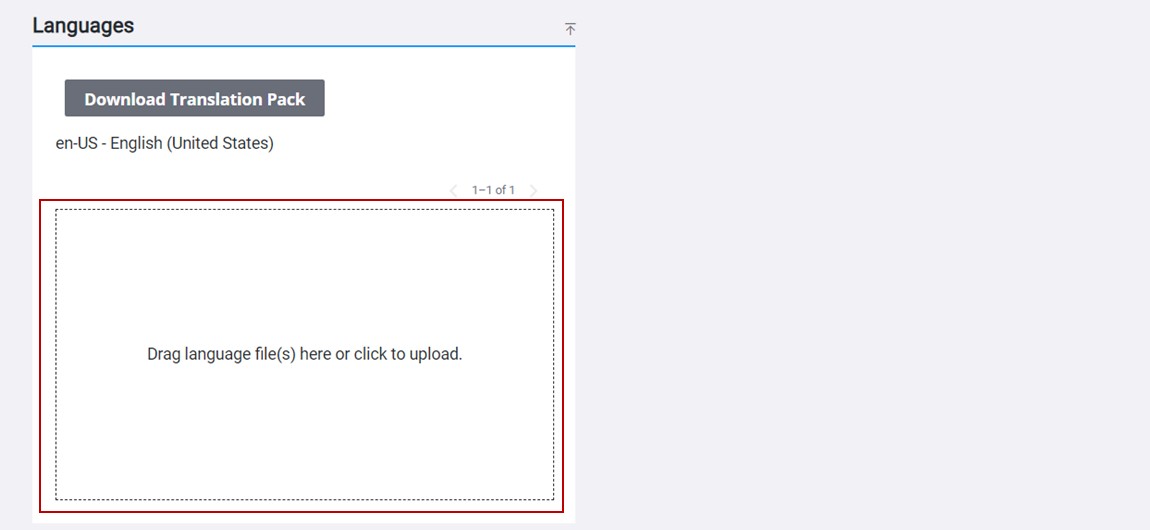
The uploaded file displays in the Languages panel.
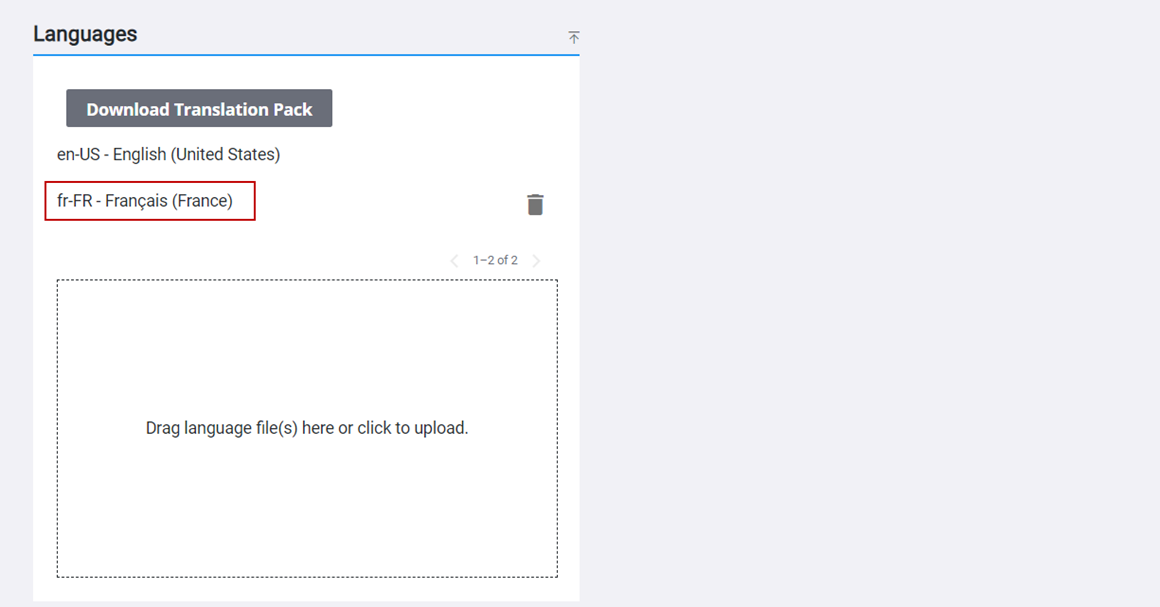
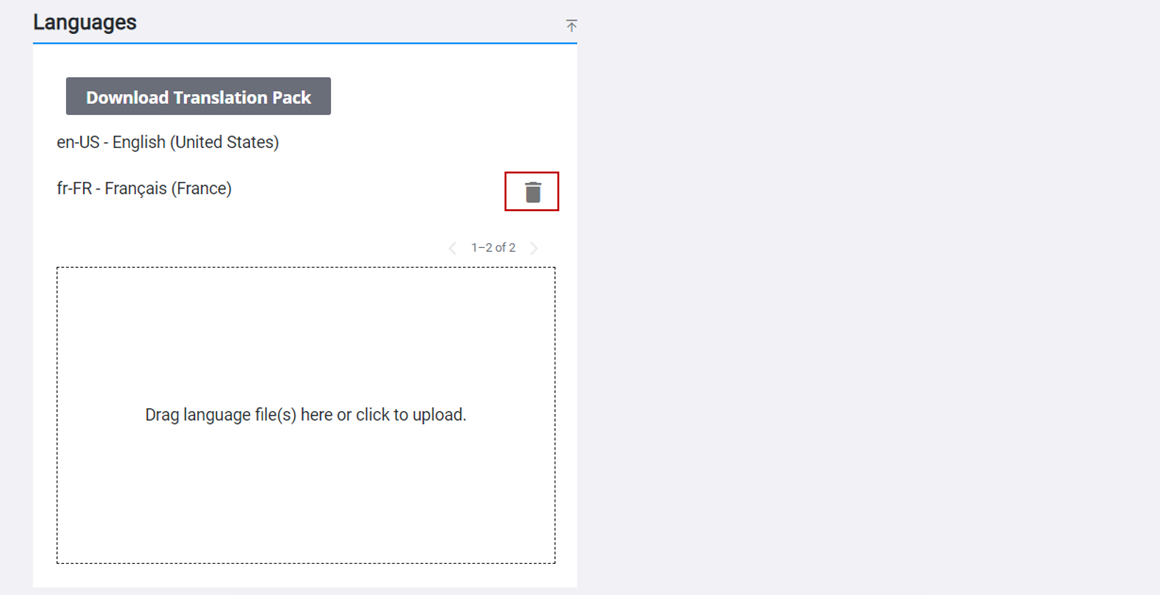
- To remove a language file, click Remove to the right of the file.