Collapse a Panel
You can choose to have panels collapsed automatically when you open a page
|
You can choose to have the |
 EXAMPLE
- On the side menu, click Admin.
- Click the Layout tab.
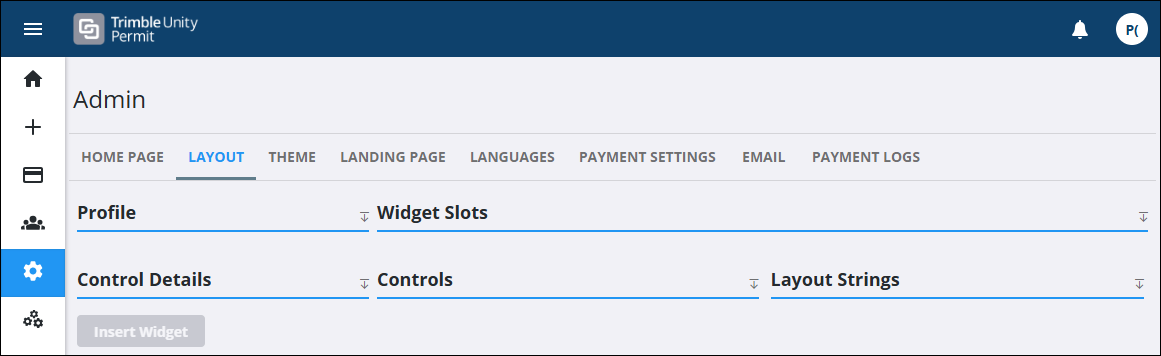
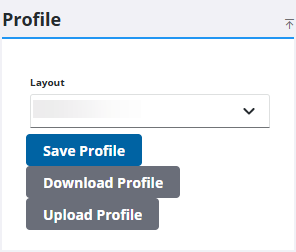
- Select a page or panel using the Layout drop-down list.
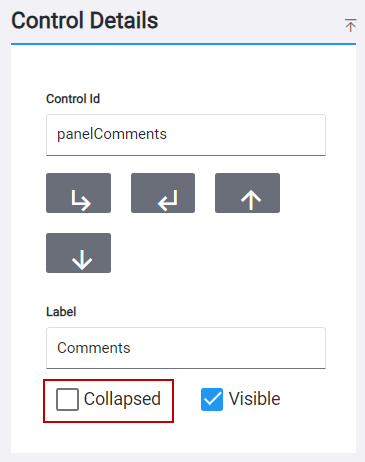
- Select a panel control from the Controls panel.
- In the Control Details panel, select the Collapsed check box or click to clear the check box to make the panel automatically collapsed or expanded.
- Click Save Profile to save your changes to the profile.