Make a Control or Panel Visible
You can choose to have controls or panels Visible when you open a page
- On the side menu, click Admin.
- Click the Layout tab.
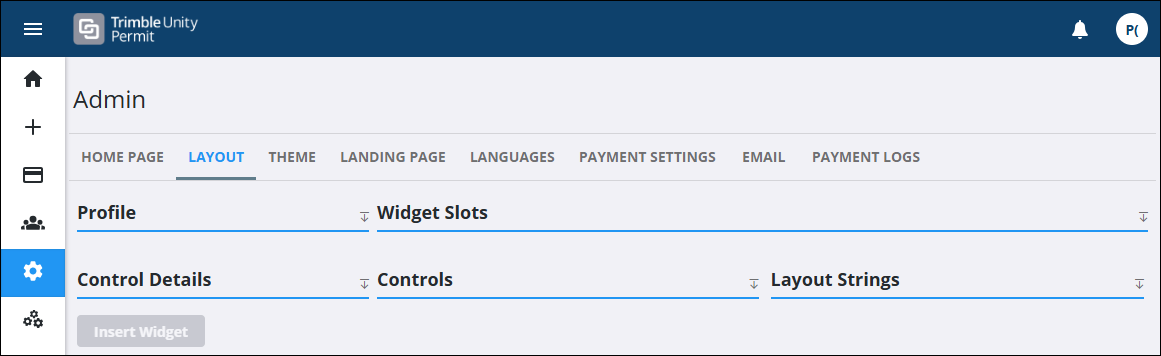
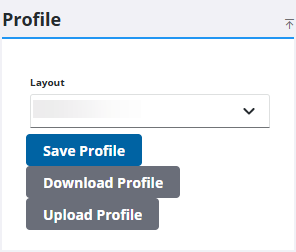
- Select a page or panel using the Layout drop-down list.
- Select a control or panel from the Controls panel.
 TIP: Use <Ctrl + click> to select multiple controls or panels at once. This is helpful if you want to make multiple controls or panels visible or not visible at one time.
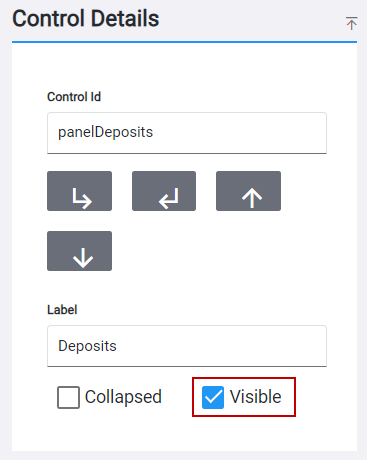
- In the Control Details panel, select the Visible check box to make the control visible or click to clear the check box to hide the control.
- Click Save Profile to save your changes to the profile.