Export Asset Details
Export assets selected from the map and displayed on the Assets panel to a .csv file.
 Export By Type
- Select assets on the map. See Add Assets for more information.
- Click By Type on the Assets panel.
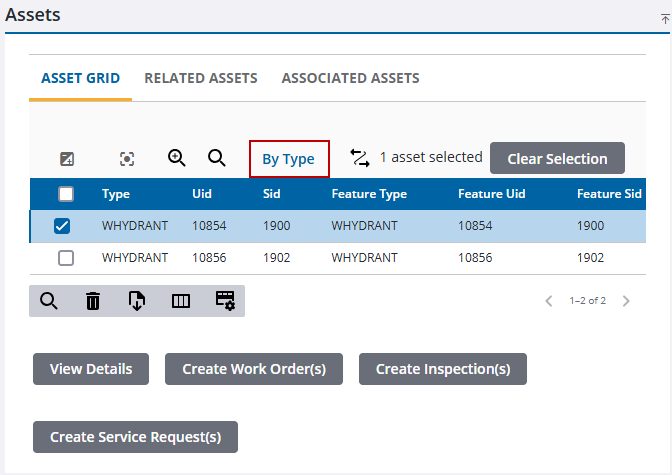
- Select which Asset Type to export in the drop-down list.

- Click Export CSV.
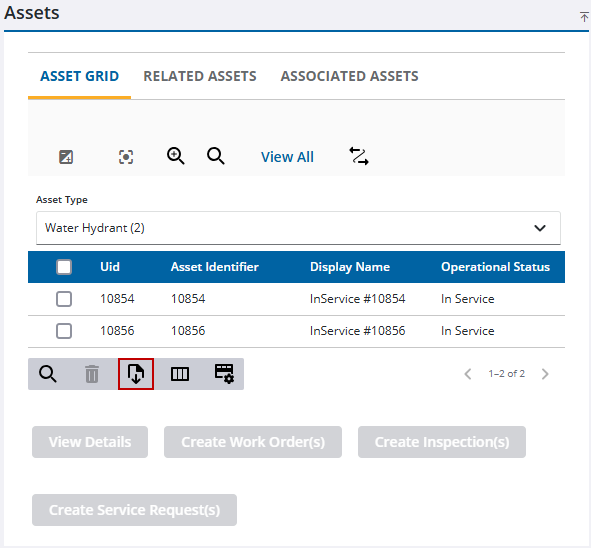
The .csv file is downloaded to your computer.
Export All
- Select assets on the map. See Add Assets for more information.
- Click View All on the Assets panel.
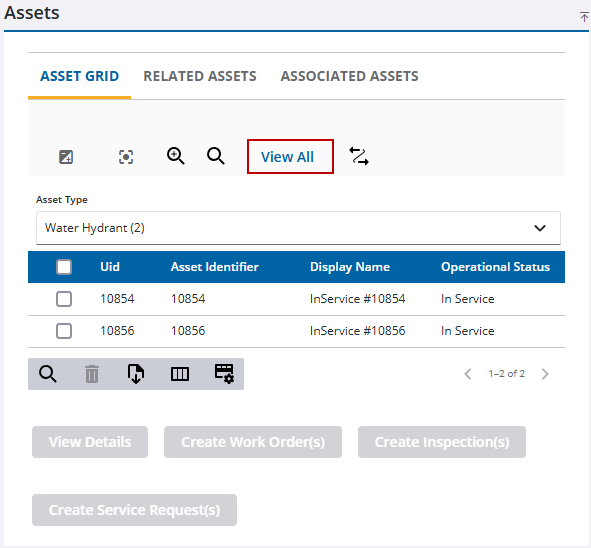
- Click Export CSV.
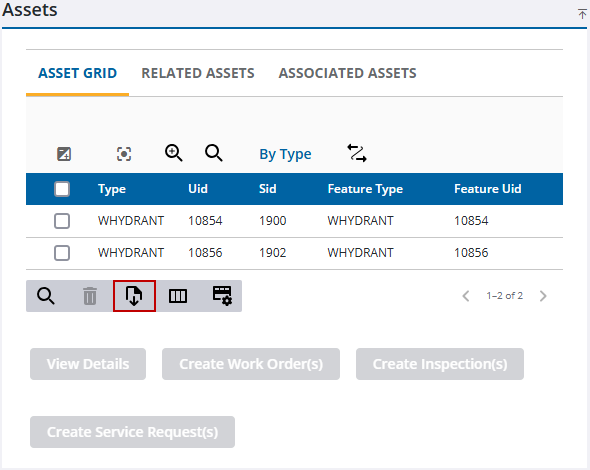
The .csv file is downloaded to your computer.

