Change Attachment View
You can change how attachments appear in the Attachments panel from the Attachments panel on the work activity or the Attachments page on a work order or case.
- Open a case or work order.
- Either scroll to the Attachments panel on the work activity or click Attachments from the activity toolbar on a work order or case.
- Click View as grid to view the attachments as tiles.
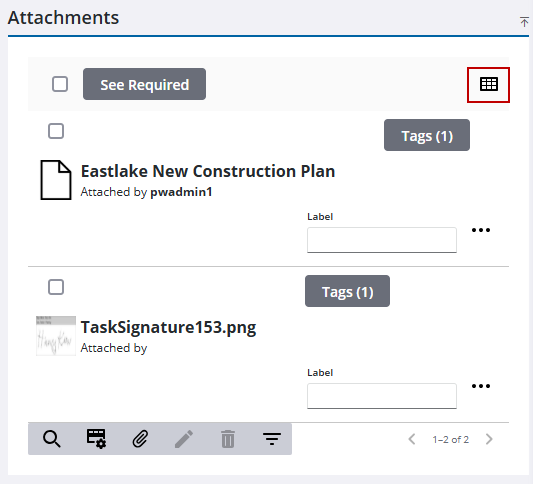
The attachments change to tiles instead of a list.
- Click View as list to view the attachments as a list.
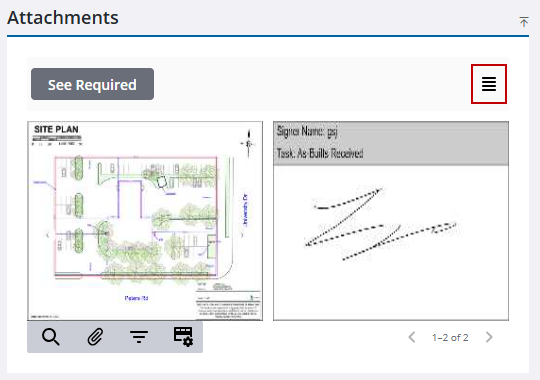
The attachments change to a list instead of tiles.

