Recalculate Fees on a Case
If you want to make sure that the fees on a case are up to date, you can recalculate them.
 From the Fees Panel
- Open a case and navigate to the Fees panel.
- Click Re-Calculate on the Fees panel.
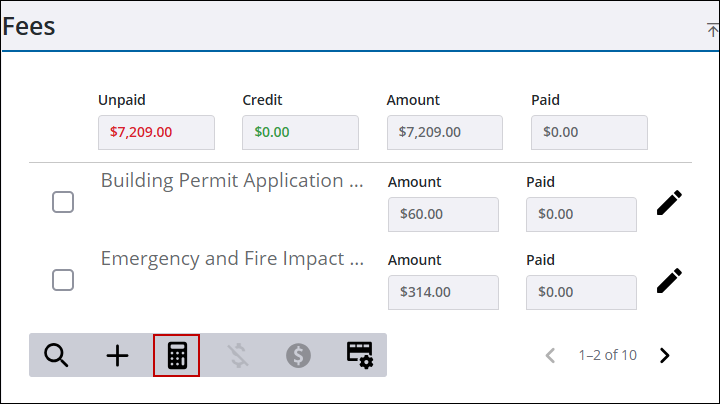
This updates the fees to the current fee code setting.
From the Case Fees Page
- Open a case.
- From the activity toolbar, click Case Fees to open the Case Fees page.

Any fees associated to the case are listed.
- At the bottom of the page, click Re-Calculate.
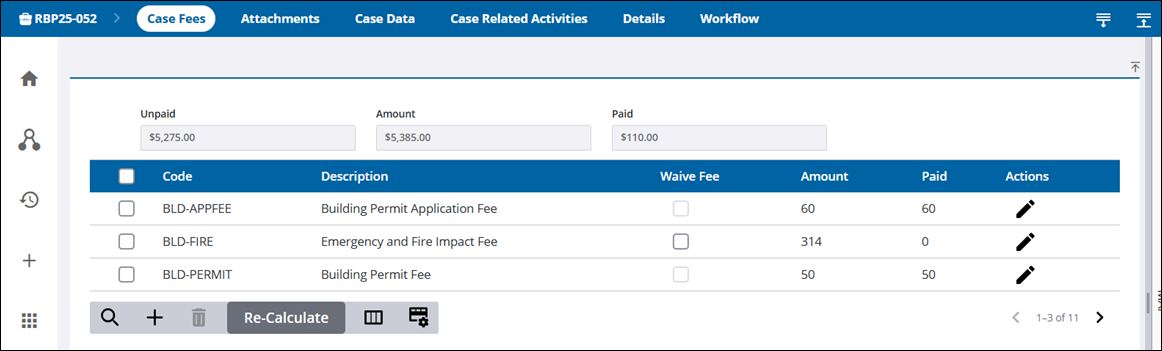
This updates the fees to the current fee code setting.

