Remove a License
To remove a license associated with a case, complete the following:
- Open a case and navigate to the Licenses panel.
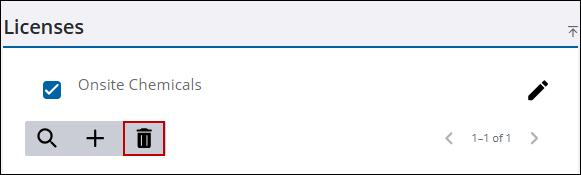
- Select the license you want to remove.
- Click Delete selected records.
- Click Delete on the confirmation panel.
The Licenses panel refreshes and shows the remaining licenses associated to the case.

