Add an Asset to a Custom Inspection
Assets from the map can be added to a custom inspection.
- Select an asset on the map. See Selection for more information.
- Open the inspection.
- Click Add From Map on the Entity panel.
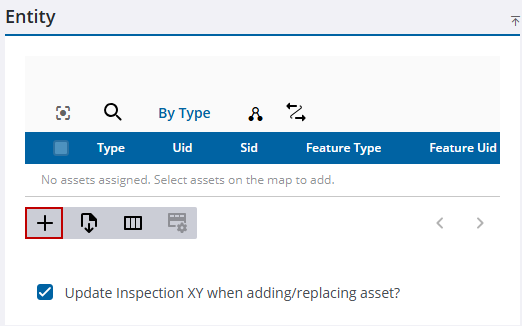
If a related asset is added to the inspection, the parent asset displays under the child in the Entity panel. If costs are added to an inspection, they are only applied to the related asset.

