Add a List
Lists can be added using bullets or numbers.
- Click the list icons to select a numbered list or bulleted list.
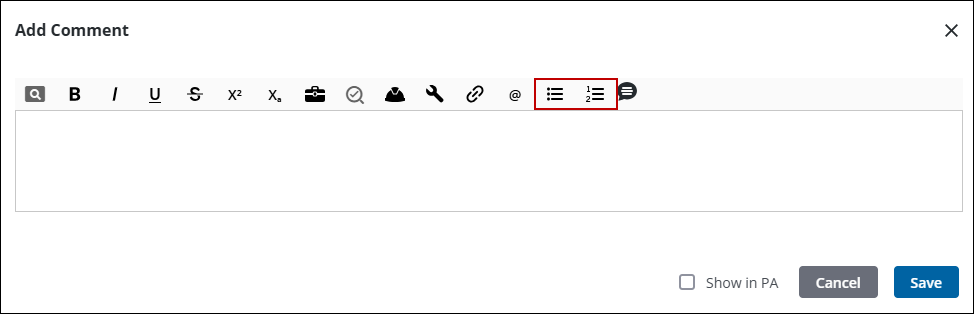
 NOTE: Numbered lists are marked by a pound sign (#) and bulleted lists by an asterisk(*).
See Comment Fields for more information about the options available for comments.

