View an Attachment
Users can view attachments associated to assets or events.
|
|
 PREREQUISITES:
- Click Data View in the map toolbar.
- Select assets and/or events on the map. See Selection for more information.
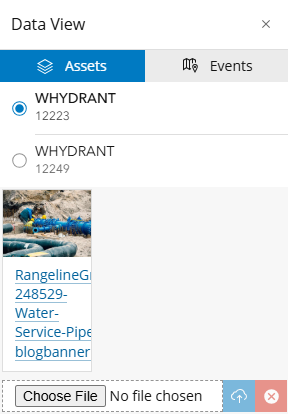
 From the Assets Tab
- Click Assets.
The Assets tab populates with the selected assets.
- From the list, select the asset you want to view attachments for.
Any attachments are visible.
- Click the link to open the attachment in a new tab.
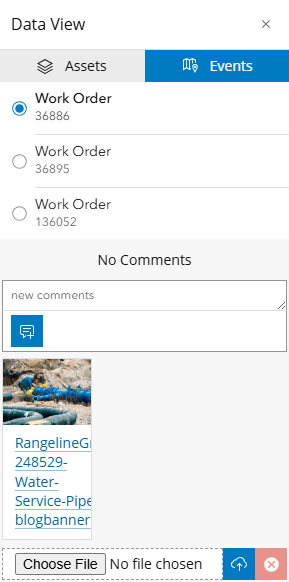
From the Events Tab
- Click Events.
- From the list, select the event you want to view attachments and comments for.
The Events tab populates with any comments and/or attachments associated to the selected work activity, project, or contract.
- Click the link to download the attachment.