Open the Related Activities Page
Open the Related Activities page to create or link work activities.
 From the Toolbar
- Open a work activity.
- Click Related Activities on the activity toolbar.

From the Main Page on a Work Activity
- Open a work activity.
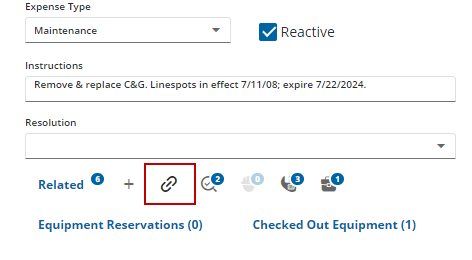
- Click the link icon at the bottom of the Work Order, Service Request, or Inspection Details panel. For example, scroll to the Work Order panel on a work order, Inspection Details panel on an inspection, Service Request panel on a service request, or Main panel on a case.