Copy Caller Information to an Incident
If the information entered in the Caller Information panel is the same as the incident information, it can be transferred to the Incident Information panel.
- On the Caller Information panel, click each field and enter the caller data.
- Enter one to three letters of the customer's first or last names in the First Name or Last Name fields. Names filter based on the information entered. Select the appropriate name and the contact fields automatically populate as defined in Admin.
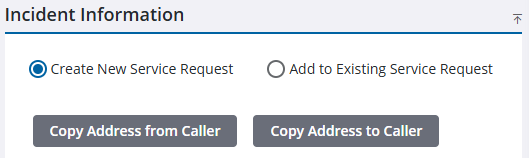
- On the Incident Information panel, click Copy Address From Caller to copy the information from the Caller Information panel to the Incident Information panel.