View Call History
A record of the calls made by a customer can be viewed in the call history. There are multiple ways to view call history.
 From the Callers Page
- Open the service request.
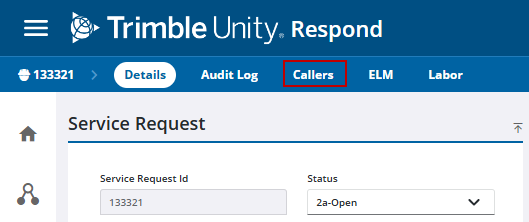
- Click Callers from the activity toolbar.
 NOTE: Caller titles are defined in Admin in Preferences. See Configure Service Request Preferences in the Admin Guide for Trimble Unity Maintain and Trimble Unity Permit for more information.
The Callers panel displays all callers associated with the service request. Note that this panel displays existing callers and caller information.
- Select a caller from the Callers panel.
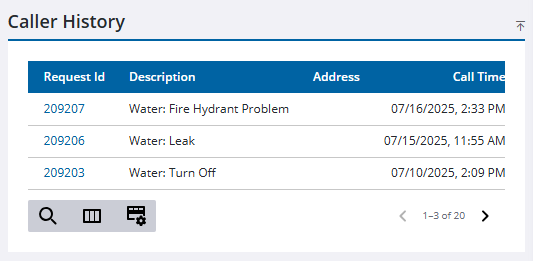
The Caller History panel shows the customer call history.
From the Customer Calls Panel
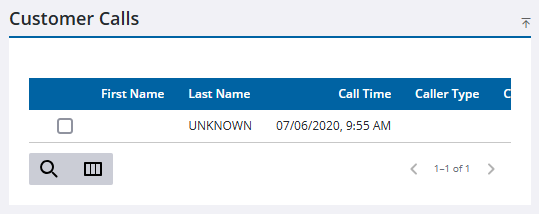
The Customer Calls panel displays all callers added to the service request.
- Open the service request.
- Scroll to the Customer Calls panel.
Information about the call displays.