Add Incoming or Outgoing Pipes
Pipe information can be edited in the inspection.
- Open the manhole inspection.
- Click Pipe from the activity toolbar.
- Click Add Pipe.

- Select a pipe from the drop-down list and click Select Pipe if a utility network is set up with this information in the site, or click Continue to manually add a pipe.
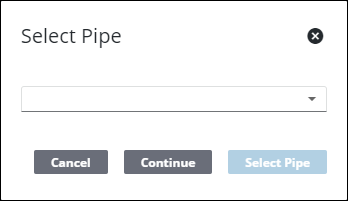
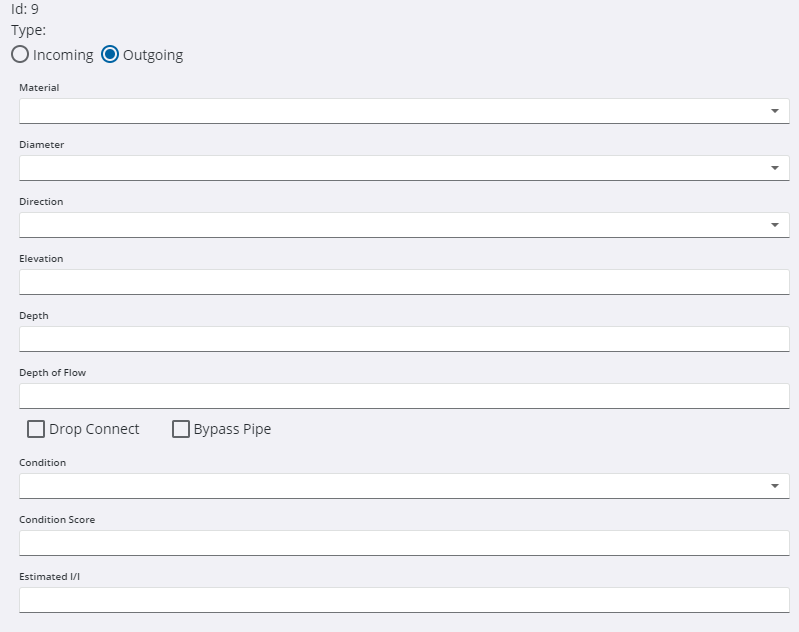
- Select whether the pipe is Incoming or Outgoing.
- Enter the information for the pipe.
- Click Save.

