Add an Inspection Video
There are multiple ways to add a video to an inspection.
 By Browsing
- Open the TV inspection.
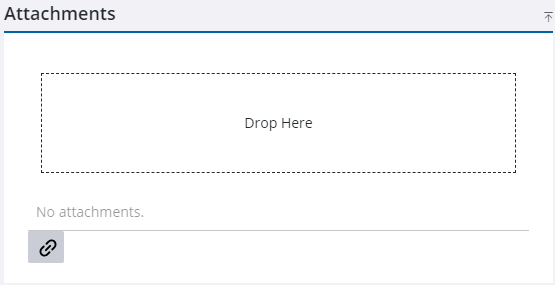
- On the Attachments panel, click Drop Here.
- Browse to the desired video file.
By Drag and Drop
- Open the TV inspection.
- Browse to the video file.
- On the General tab, drag the video to where it says Drop Here.
 NOTE: Only one video attachment can be added to an inspection.

