Add an Observation
Observations can be added to the inspection.
- Open the TV inspection.
- Click Observations from the activity toolbar.
- Click Add Observation from the TV Inspection Observations panel.
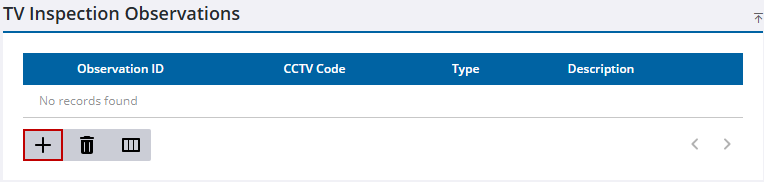
- Select the new observation.
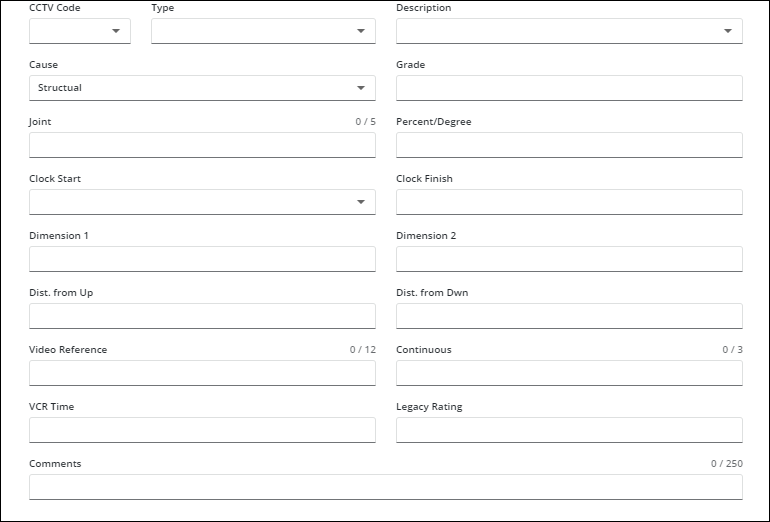
- Enter information in the fields. See TV Inspection Fields for more information.
- Click Save in the upper-right corner.

