Add Custom Fields Information
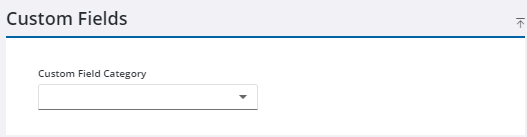
The Custom Fields panel shows any custom fields associated with the work order.
|
|
 PREREQUISITES:
- Open a work order.
- Select a category in the Custom Fields panel.
- Enter information in the fields. Required fields are indicated in red. The order of these fields is defined in Admin.
- Click Save in the upper-right corner.
 IMPORTANT: Only one Category can be selected at a time. Selecting a different Category clears the custom field data (category custom fields) that populated for the previous Category. Also, changing the work order description clears the custom field data (category custom fields).

