View Cost Summary
The cost summary shows all costs related to the work order and can only be viewed by users who have the View Cost permission.
- Open the work order.
- Click Cost Summary from the activity toolbar.
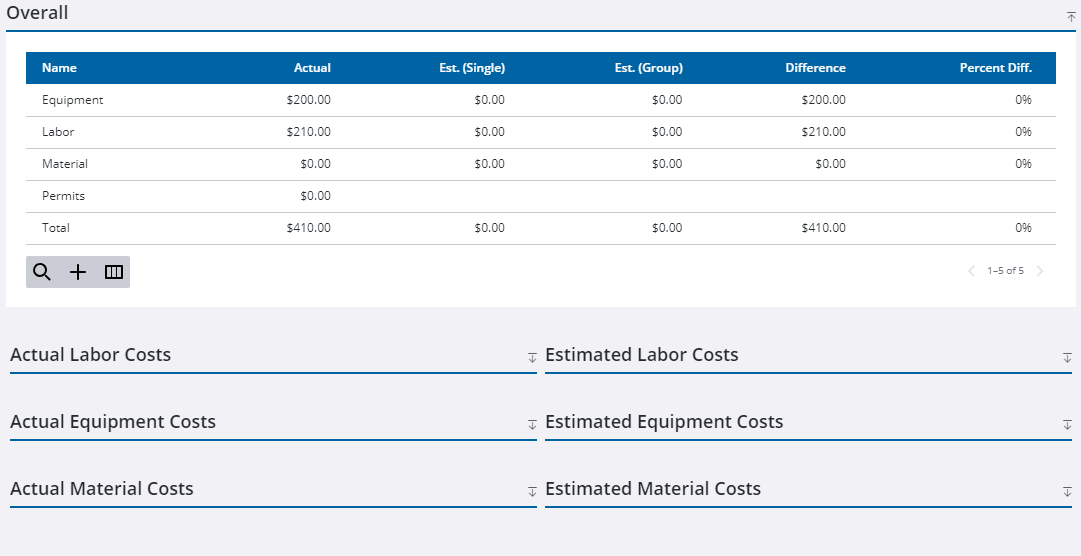
The work order costs are broken down into estimated and actual for labor, equipment, and material. The Overall panel shows the total costs and any that exceed the estimate are shown in red.
- Click the work order ID in the upper-left corner of the page at any time to return to the main work order window.

