Move a Widget
You can move a widget from one position to another position on a dashboard.
- Click Dashboard.
- Click
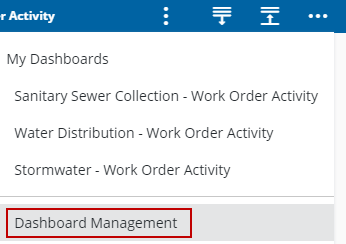
 NOTE: The most-recently-viewed dashboards display. To quickly switch between recently-viewed dashboards, see Switch Between Dashboards for more information.
The Dashboard Management page opens.
- Click the edit icon in the Dashboards panel.
- On the Dashboard - Edit page, click and drag a widget to a different spot. Hover over the spot until an icon appears and allows the widgets to switch places.
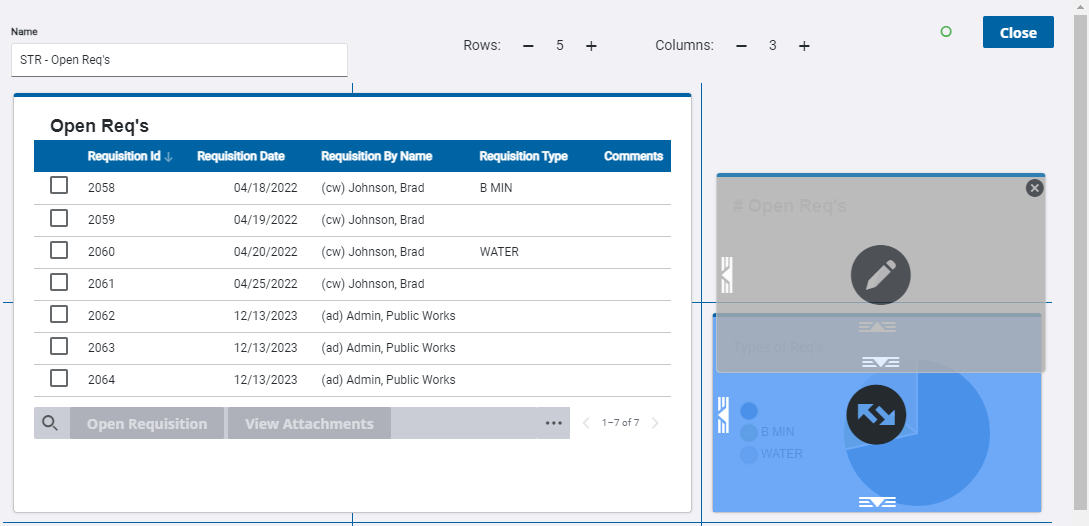
NOTE: Changes made to the dashboard save automatically.
To edit the dashboard, see Edit a Dashboard for more information.