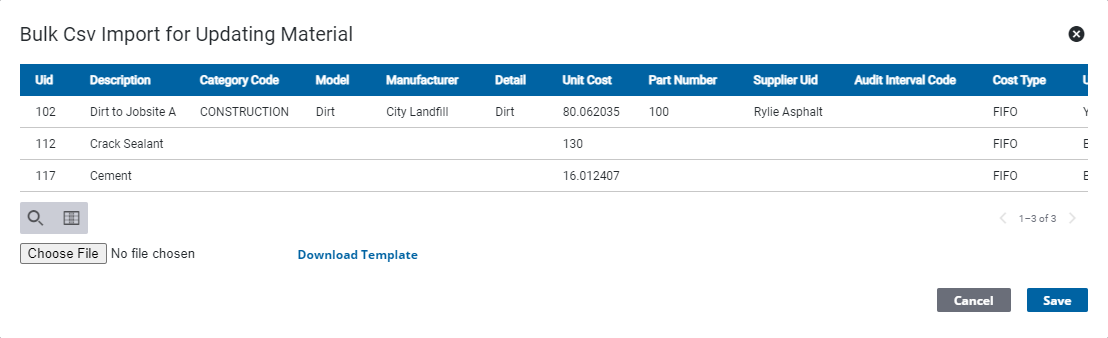
Update Material in Bulk
Update materials in bulk using the template.
- Click Configure from the menu.
- Click Material Configuration.
 TIP: You can filter the list of records displayed. See Filter Records for more information.
- On the Material panel, select the materials to be updated.
- Click Bulk Update.

The Bulk Csv Import for Updating Material panel opens.
- Click Download Template.
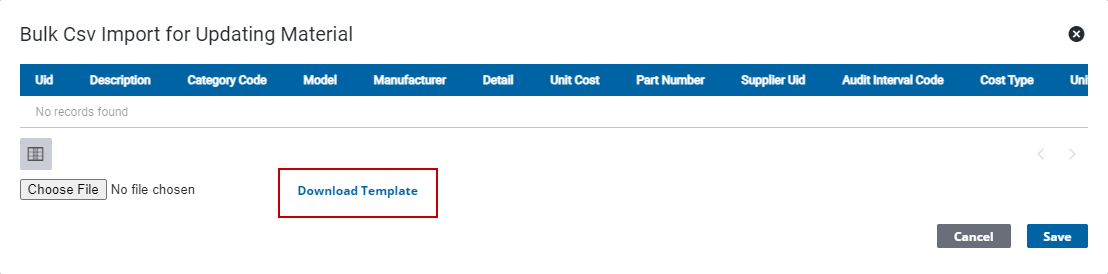
 IMPORTANT: The Material Sid and Material Uid columns must match the existing materials, do not edit this information on the template.
- Add the updated information for the materials in the template.
- On the Bulk Csv Import for Updating Material panel, click Choose File. Browse to the file.
- Click Save.